Epoxy Floor Guys Website + consultation flow
A big service menu.One clear next step.A big servicemenu. Oneclear nextstep.
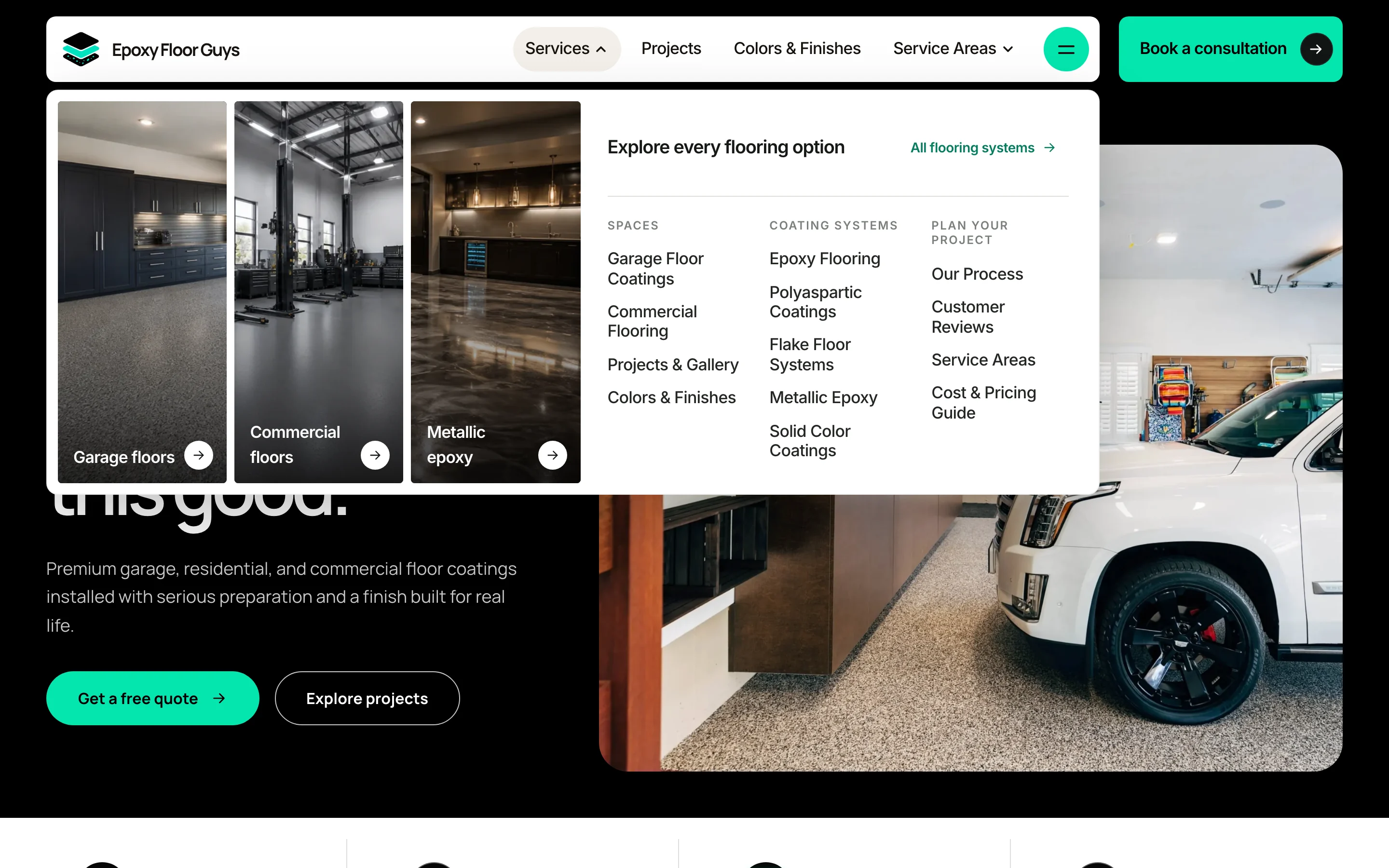
Collins Creative designed and built the Epoxy Floor Guys homepage: a floor-coating site with a mega menu that sorts spaces, coating systems, and planning topics, and a four-step consultation that asks the right questions before anyone picks up the phone.
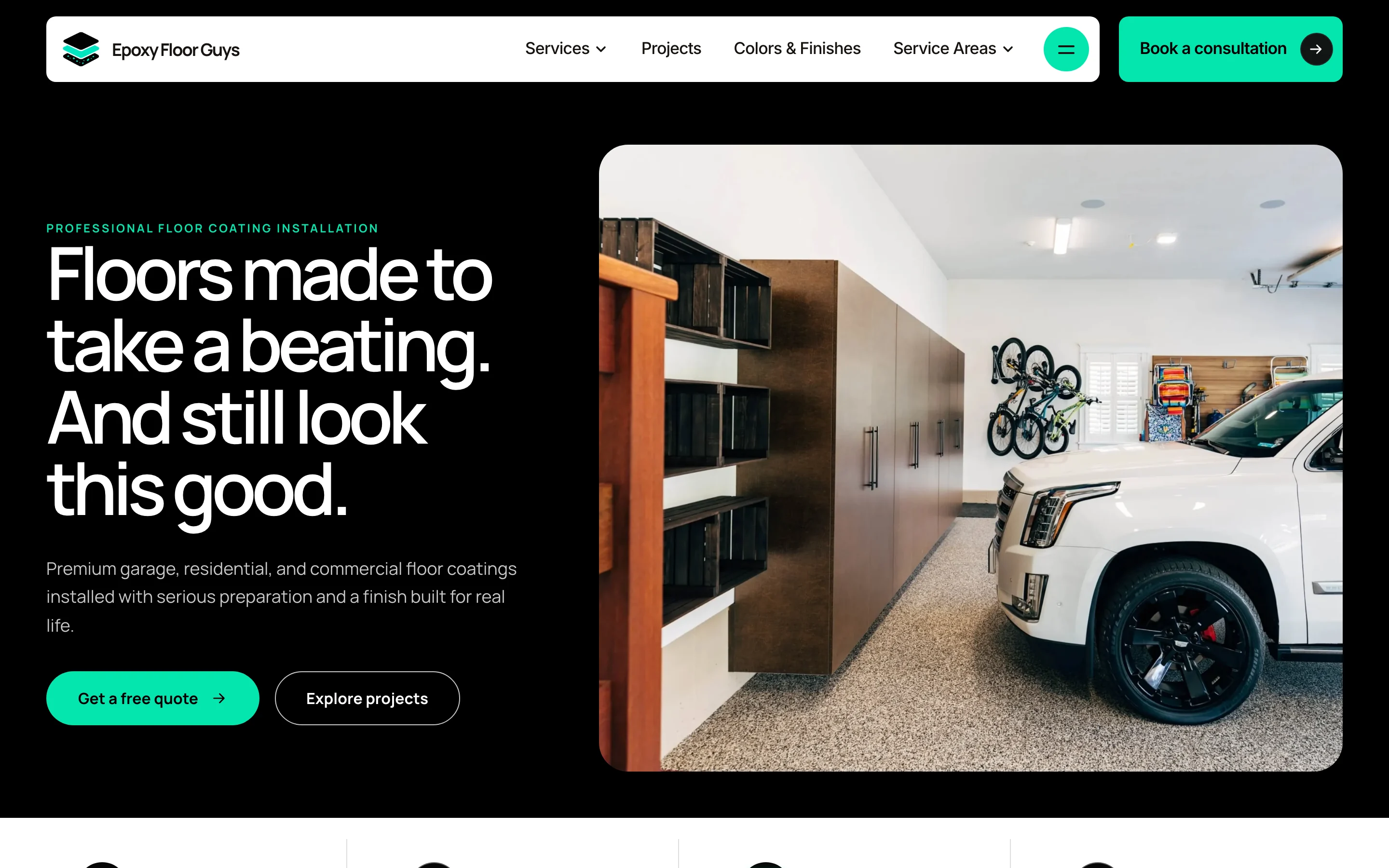
The homepage, interactive
Open the menu.
Start a consultation.
Hover the Services menu, browse the floor systems, and step through the consultation on desktop or on a phone.
This copy never sends a request: the last step shows a preview notice instead. Only the homepage is built, so links to inner pages stay on the homepage.
The challenge
Many systems, many spaces, one decision.
Floor coating is sold in combinations: a garage, a shop, or a patio, finished in flake, metallic, solid color, epoxy, or polyaspartic. A visitor rarely knows which one they need.
We organized the navigation around the visitor's space first and the coating system second, and kept a consultation button in view on every screen.
The consultation
Four questions
before the call.
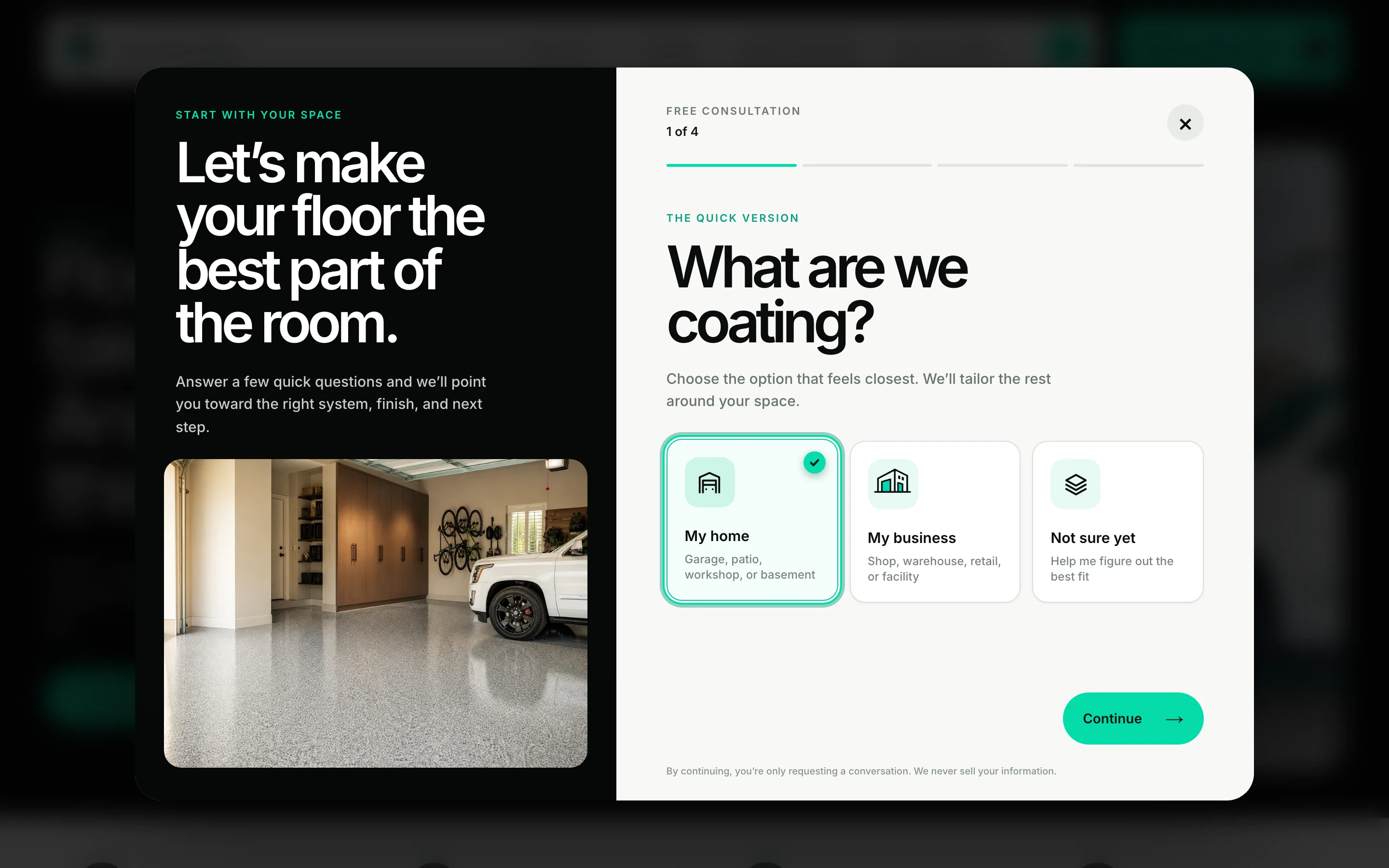
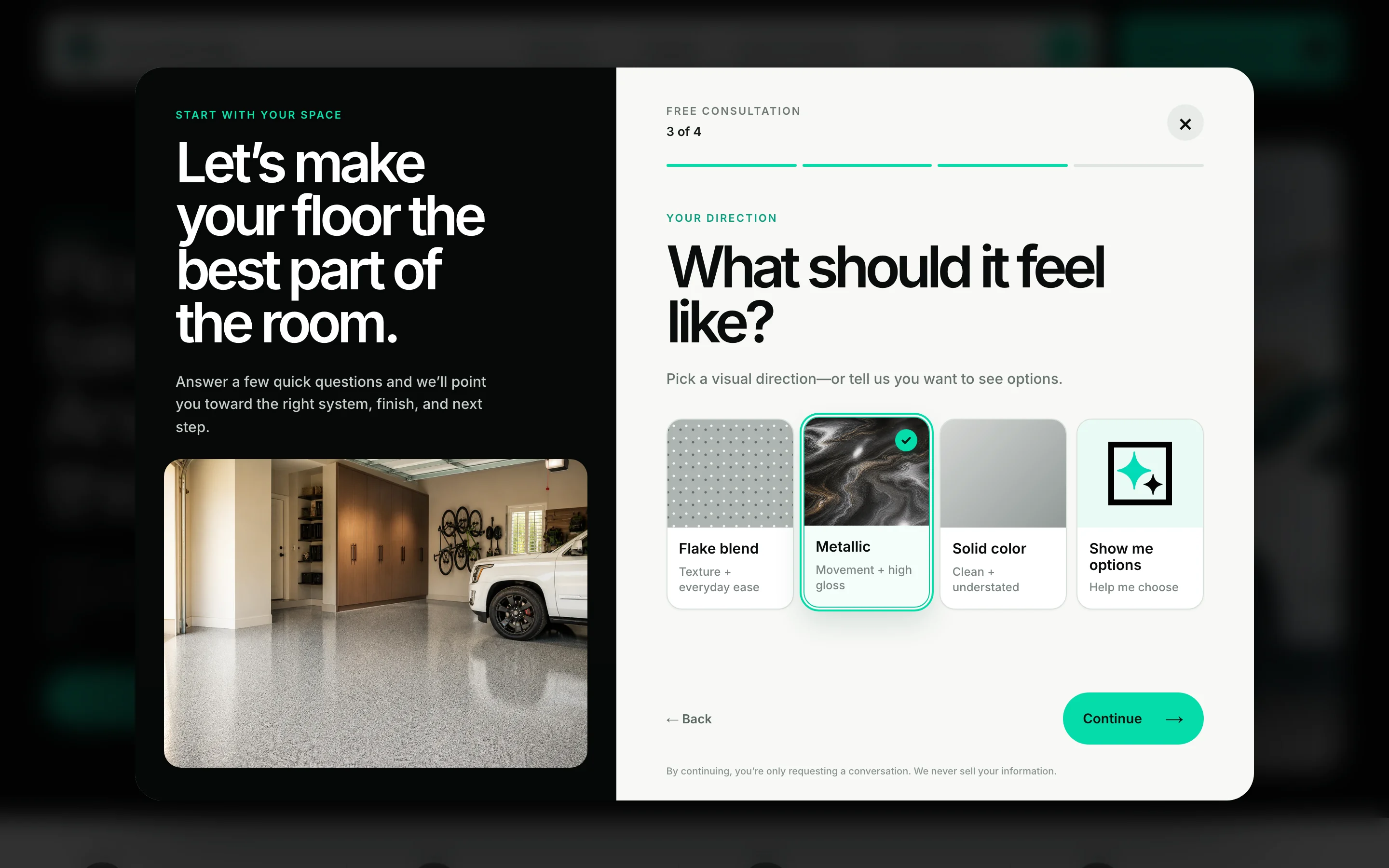
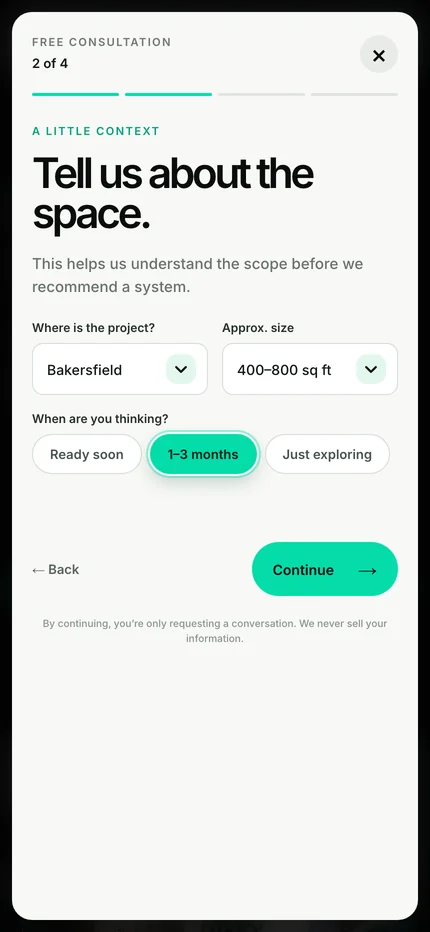
Every quote button on the page opens the same consultation. It starts with a single choice, uses buttons and short menus instead of open fields, and asks for contact details last. Each step checks its answers before moving on.
- What are we coating?Home, business, or not sure yet.
- The spaceArea, approximate size, and timing.
- The finishFlake, metallic, solid color, or show me options.
- ContactName, phone, email, address, and optional photos.
One choice to start.
Pick a direction.
About these screens Captured from a copy of the live homepage with throwaway answers. No request was sent.
On a phone
Two ways forward
from every menu.
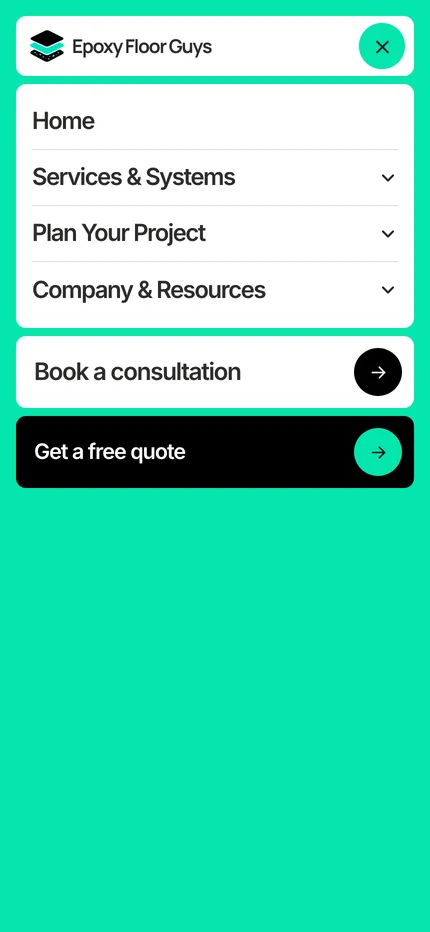
On a phone the navigation folds into three expandable groups, with Book a consultation and Get a free quote as full-width buttons below them. The consultation becomes a full-screen sheet with the same steps and progress bar.

What we made
One homepage,
organized to grow.
Content architecture
A navigation plan for spaces, coating systems, colors and finishes, service areas, and planning content.
Desktop mega menu and mobile menu
Hover-intent menus on desktop and expandable groups with two conversion buttons on a phone.
Four-step consultation
Project type, space, finish direction, and contact details, with optional photo upload and step-by-step checks.
Homepage sections
A floor-system carousel, a before-and-after slider, a preparation explainer, FAQs, and a service-area map.
However they browse,
the next step is the same.

Project lead
Brendan Collins
Brendan led the content architecture, UX/UI design, and front-end build of the homepage, its menus, and the consultation.
The main judgment was sequence: ask what the visitor is coating before asking who they are, so the first question is easy and the request arrives with the context a quote needs.
Meet the studioYour next chapter
Too many services for one contact form?
We can organize what you offer around how customers think about their project, and give every page the same clear way to ask for a quote.
Start a project
More Collins Creative work