The Light Guys Christmas lights website
Three steps to aChristmas light quote.Three stepsto a Christmaslight quote.
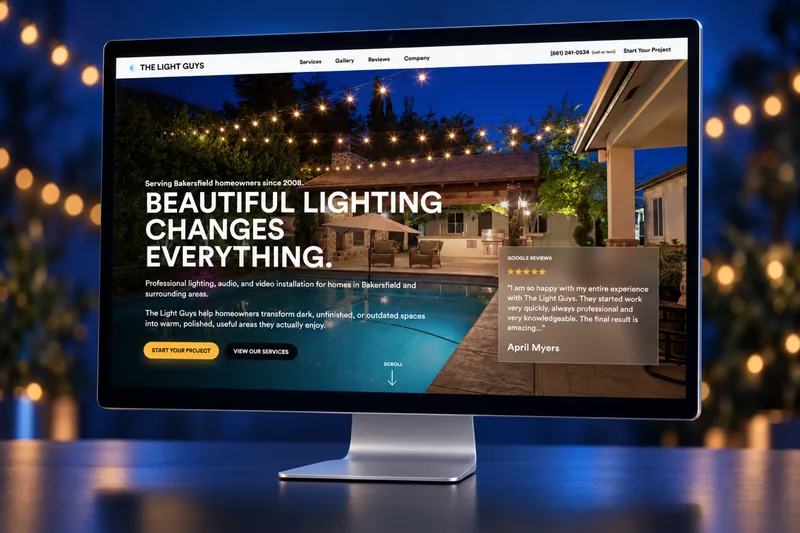
Collins Creative designed and built the public website for The Light Guys, a Christmas light installer in Bakersfield: a quote request in three short steps, service and commercial pages that each end in a plan, a phone layout with call and quote always in reach, and a handoff to the year-round business when the season ends.
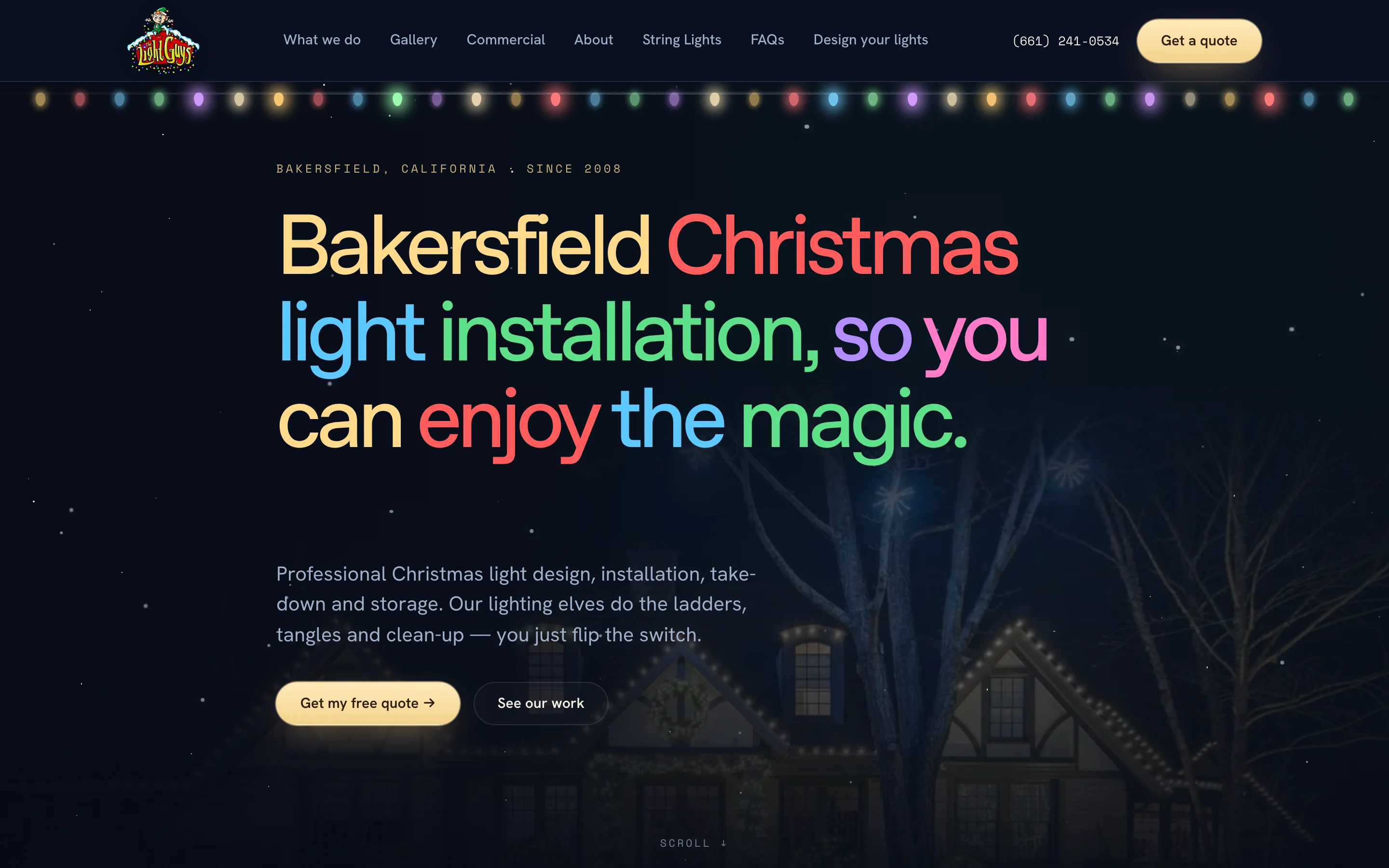
The website, interactive
Open a page.
Start a quote.
Scroll the homepage, open the service and commercial pages, and walk through the quote request on desktop or on a phone. Every step works up to the last button, which is switched off here.
Safe preview This is a static copy of the site's public pages, packaged from our local source. Its quote and contact forms stop at the last button with "Sending is switched off in this portfolio preview. Nothing was sent." Call, text, and email links do nothing, no request other than reading a page can leave it, and analytics, verification, and the service worker are left out. Design your lights runs on the live server, so in this copy it opens the quote form.
The challenge
A short season with one job to do.
People look for Christmas light installers in a few autumn weeks, mostly on their phones. The site had to get them from "what would my house need?" to a request Brendan could price, without a long form up front.
So the request starts with the house and leaves contact details for last, and every page on the site points to it.
The quote request
The house first.
The phone number last.
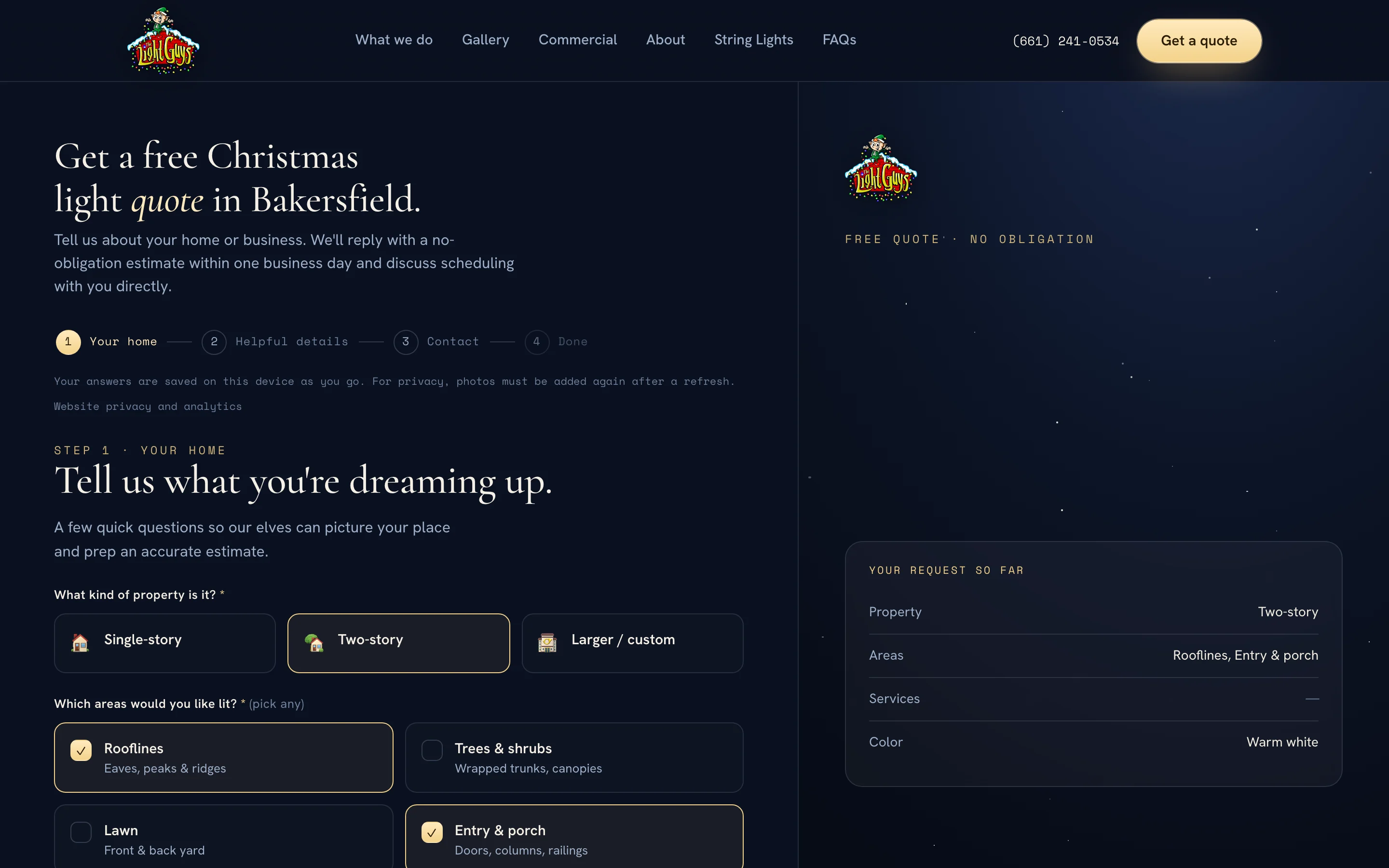
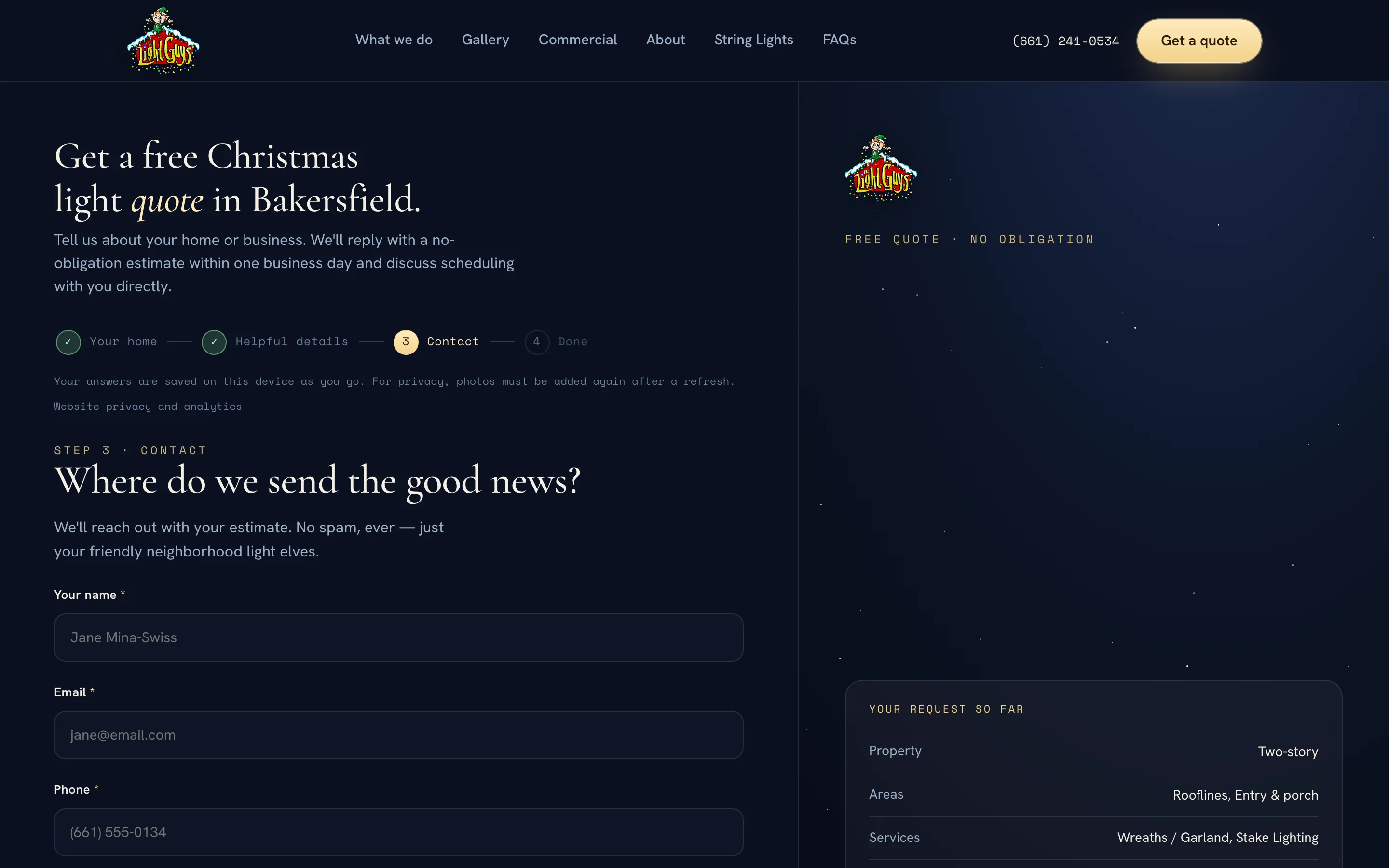
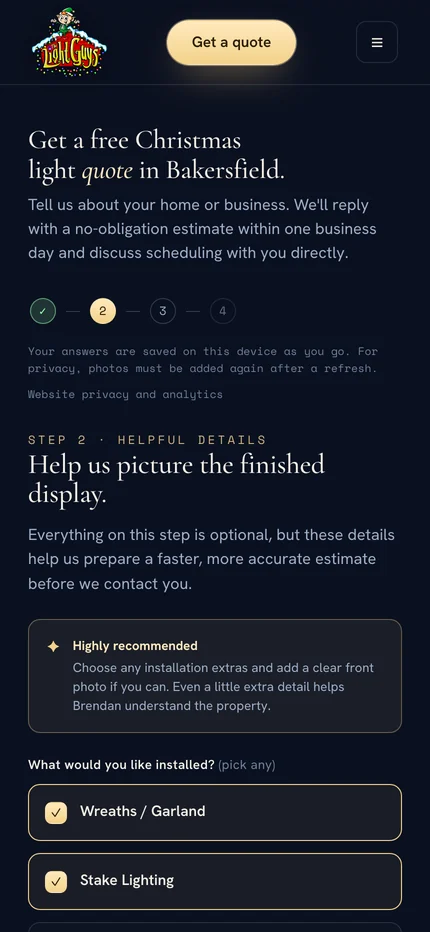
The request is split into short steps with a progress row across the top. Only the first and last steps ask for anything; the middle one is optional and explains why a front photo helps. Answers are saved on the device as people go, so closing the tab doesn't lose the answers.
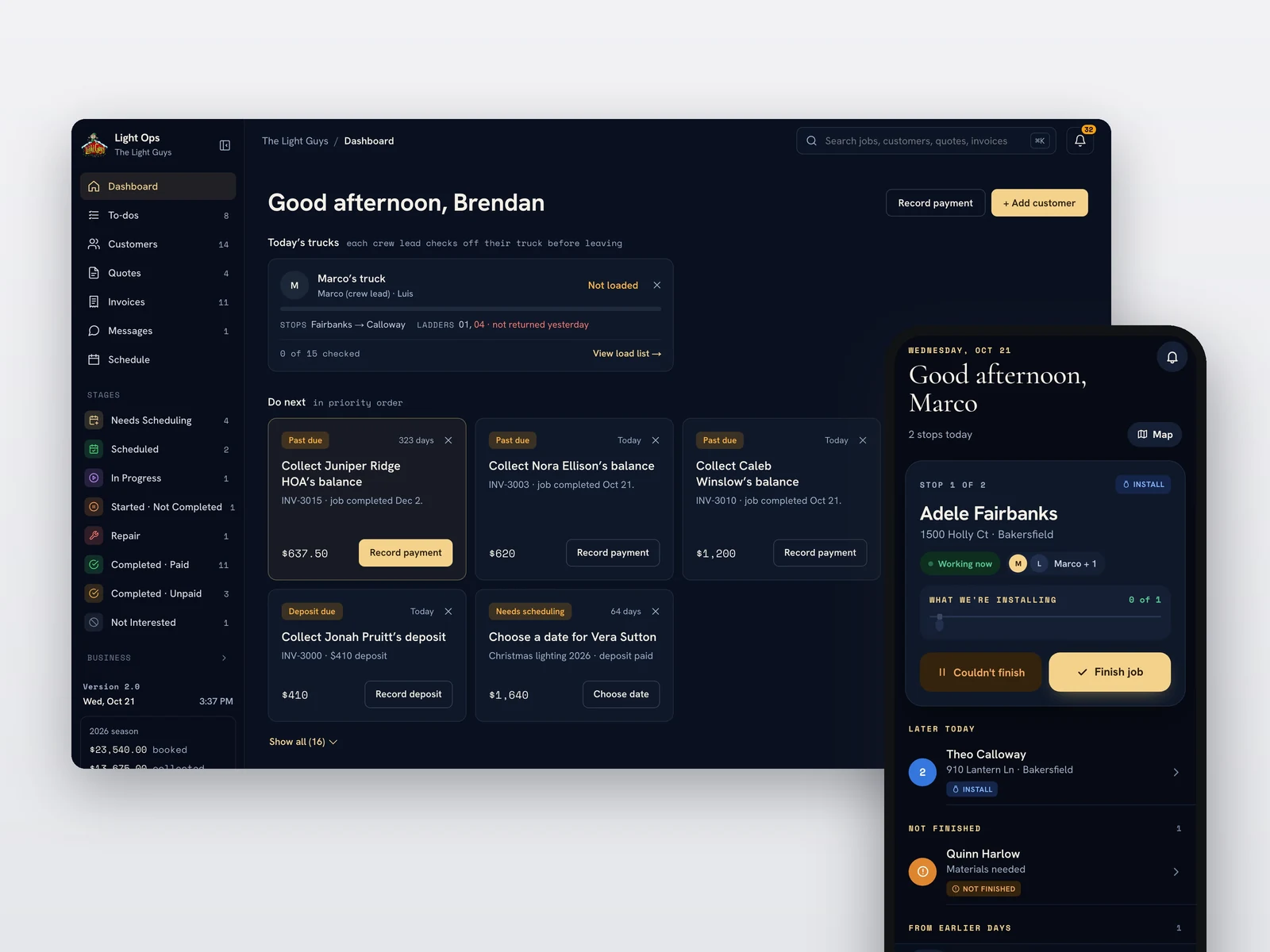
Each request carries the picks into Light Ops, the operations software we built for the business, where they start the new quote.
- Your homeProperty type, areas to light, and color
- Helpful detailsOptional extras, up to four photos with a guide, and notes
- ContactName, email, phone, address, and call or text first
- DoneA recap of everything they asked for
The service pages
Every page ends
in a plan.
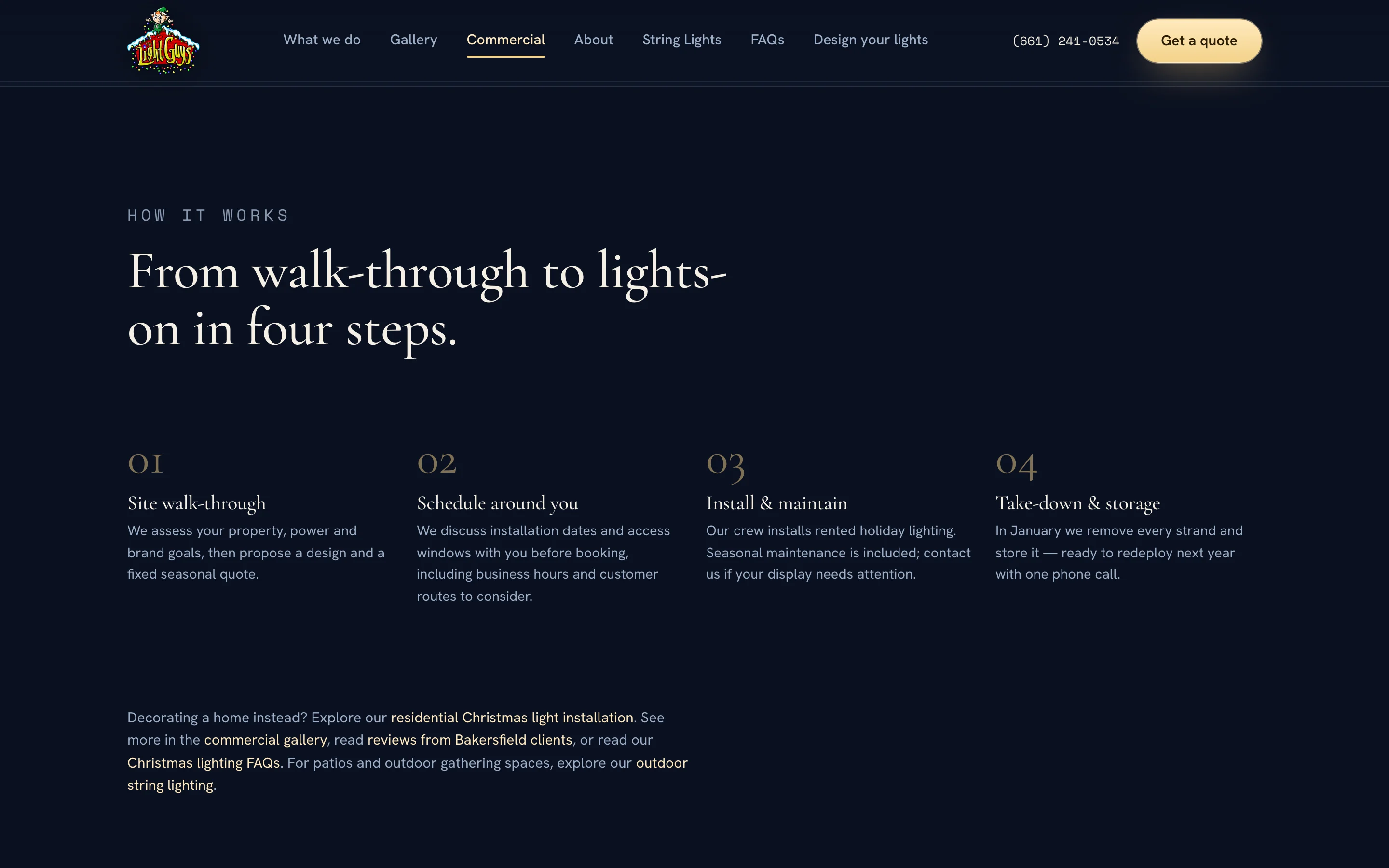
Homes and businesses buy this differently, so they get separate pages: one for residential installation, rental, and leasing, and one for commercial properties, with string lighting and year-round lighting beside them. The residential and commercial pages each close with the same kind of numbered plan, from first call to take-down, and a quote button under it.
Four steps, idea to glow.
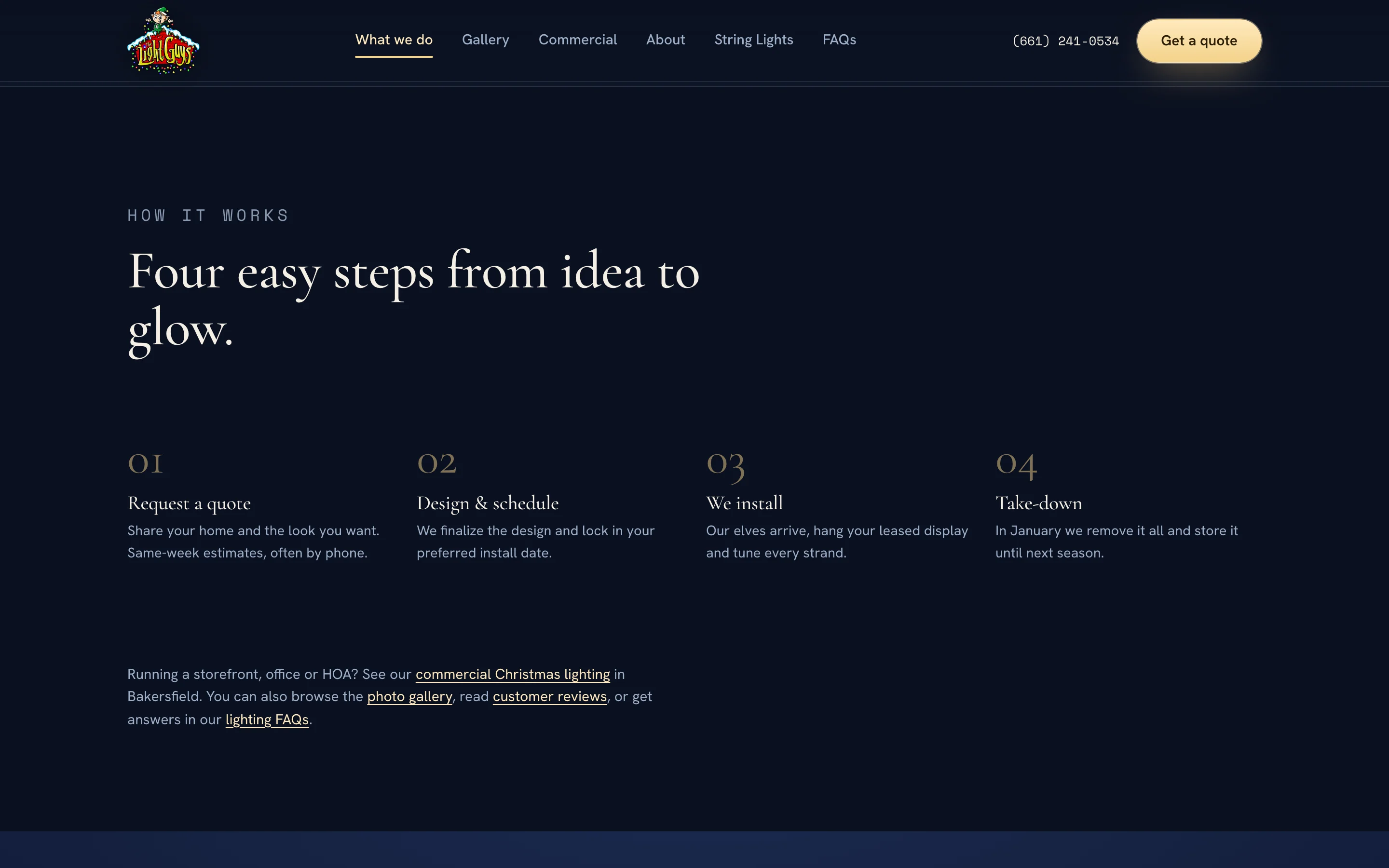
The same plan, for a business.
On a phone
Call or quote,
one thumb away.
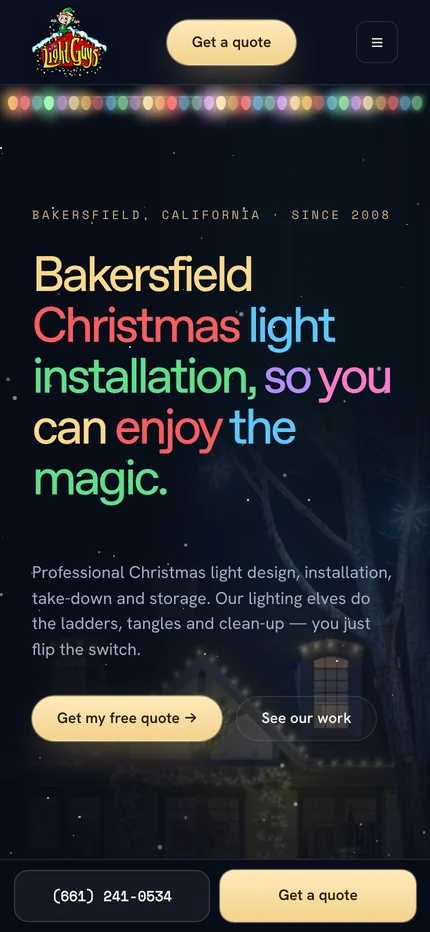
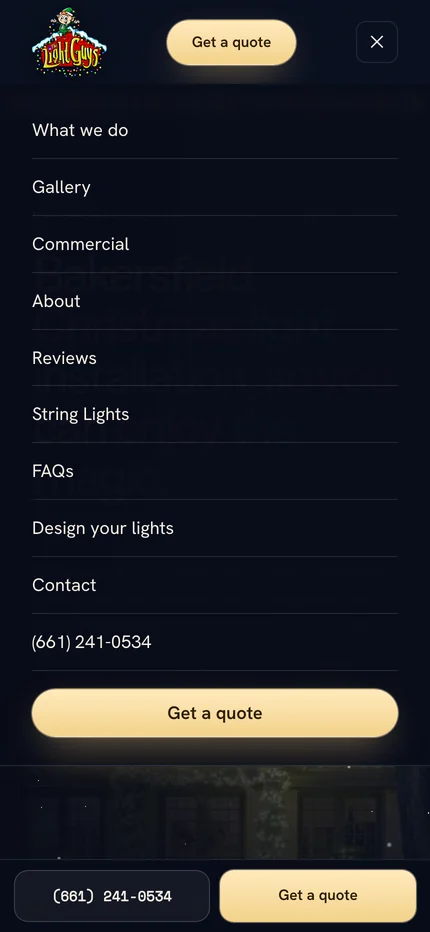
On a phone, a bar with the phone number and Get a quote stays pinned to the bottom of every page. The menu fills the screen and ends with the same two actions. In the quote request, the choices stack into full-width rows, the progress row shrinks to numbers, and step 2 says up front that everything on it is optional.
Seasonal decisions
Written for
the calendar.
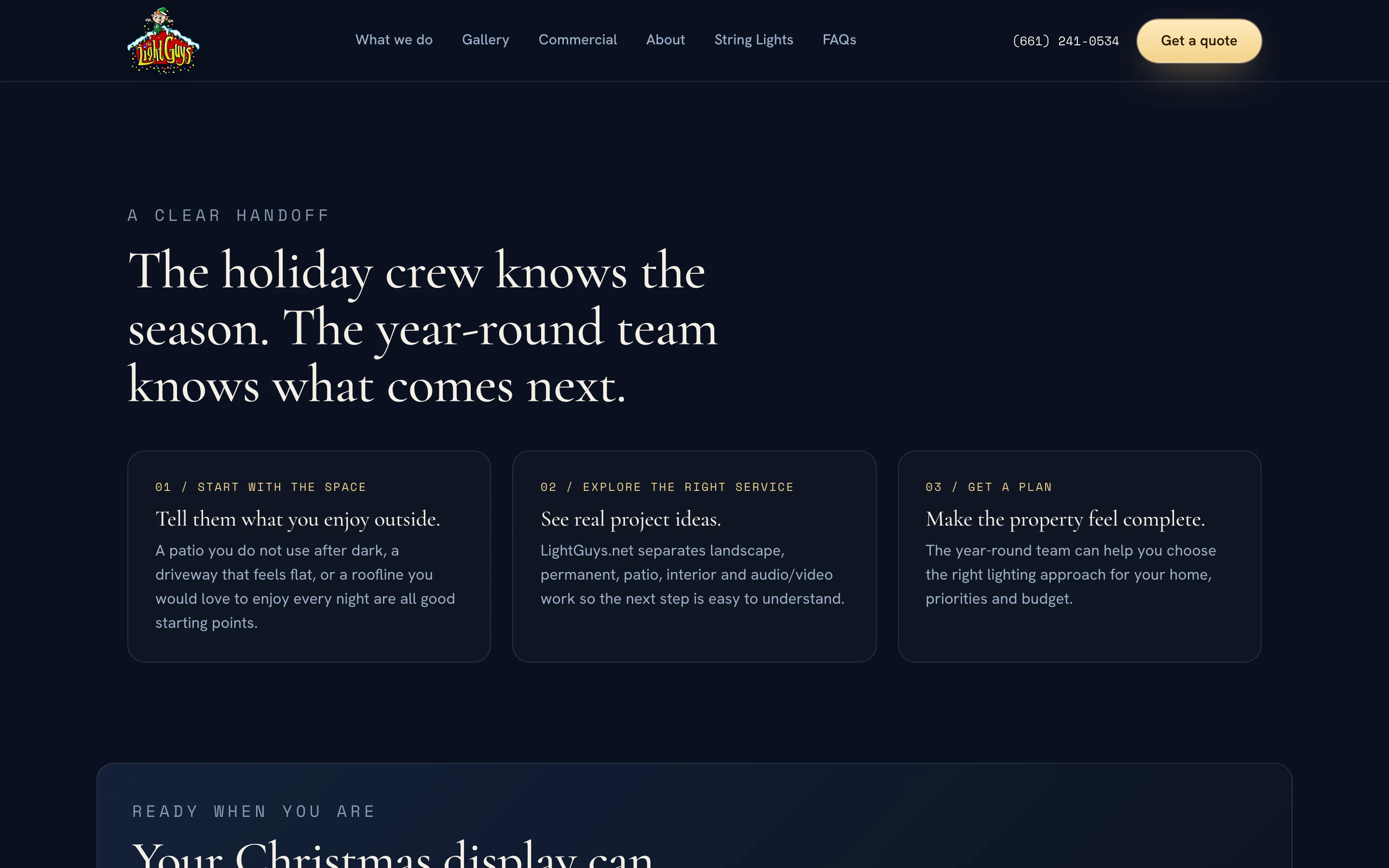
A Christmas business has a start and an end, and the site says so in plain words where people look for it: when to book, when the lights come down, and where to go once the holidays are over. The year-round side of the business has its own website, lightguys.net, and this site hands visitors to it instead of mixing the two.
What we made
A holiday site,
start to finish.
Site structure and copy
Homepage, residential services, commercial, string lighting, year-round lighting, gallery, reviews, about, FAQs, and contact, written in the business's own friendly voice.
Quote request
Three short steps with a live summary, a saved draft, an optional photo step with a photo guide, a call-or-text choice, and spam checks before anything is sent.
Phone layout
A pinned call and quote bar, a full-screen menu, and stacked form choices sized for one thumb.
Seasonal pages and local search
Booking-timing and take-down copy, a handoff to the year-round site, and page titles and descriptions written for Bakersfield searches.
Ask about the house first.
Ask for the number last.

Project lead
Brendan Collins
Brendan led the site's structure, UX/UI design, copy, and front-end build, from the homepage and service pages to the quote request and its phone layout.
The judgment that mattered most was the order of the questions: start with the house, which anyone can answer in a few taps, and save contact details for the end, once the request already feels worth sending.
Meet the studioYour next chapter
Is your busy season only a few weeks long?
When customers decide quickly, the website has to get them to a request quickly. We can design that path, and the software that picks it up.
Start a project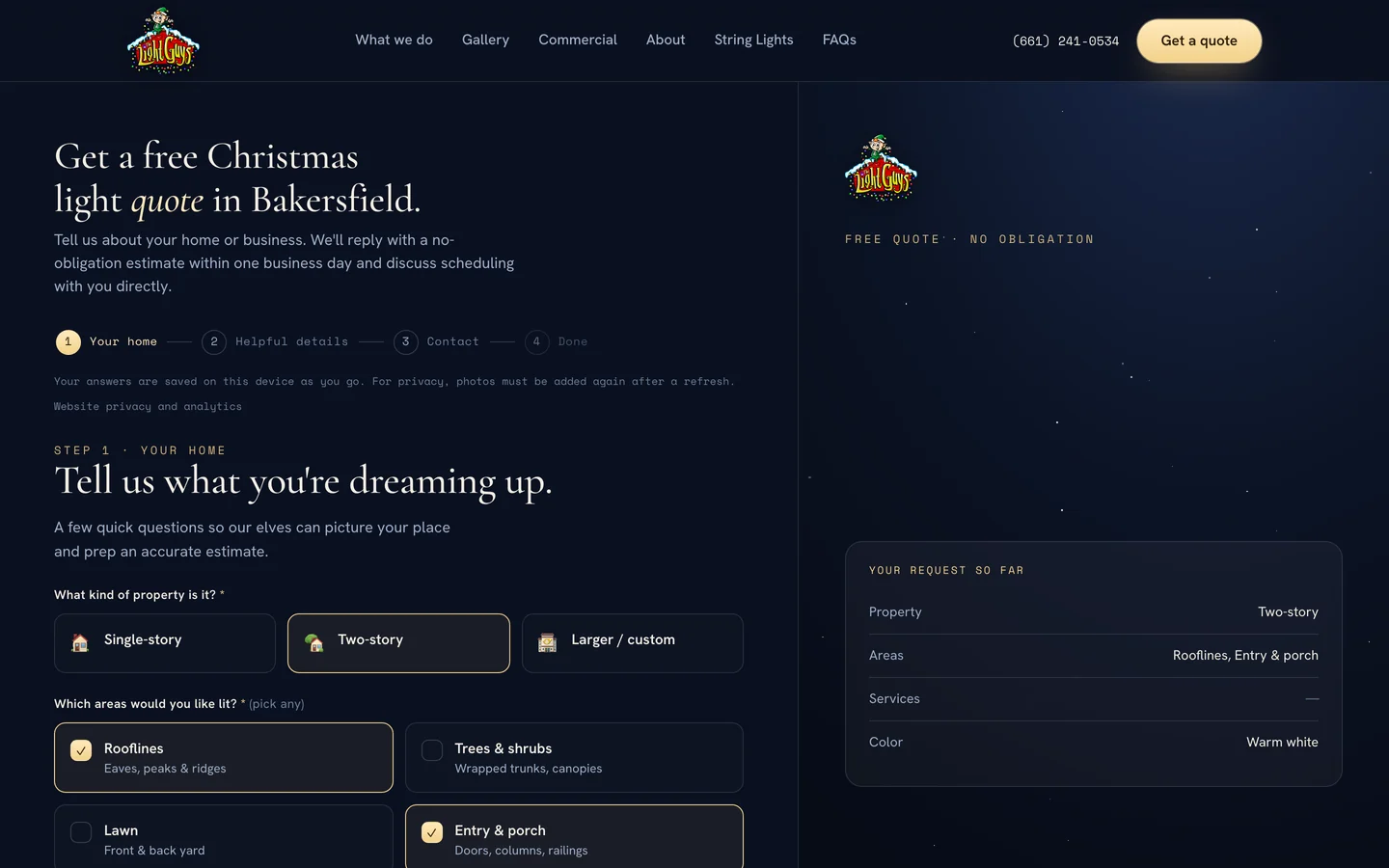
More Collins Creative work