Get Light Ops Marketing website
A website that showshow the season works.A websitethat shows howthe season works.
A lighting business has a lot to keep connected. We gave Light Ops a website that makes the product visible: a colorful first impression, a guided job story, and a clear way to try it.


The website, interactive
See it in motion.
Find your way through.
Scroll the homepage, open the product pages, or take the tour. The desktop and mobile frames run a complete local copy of the website.
Portfolio preview. Forms, signups, and booking submissions are disabled.
 Light Ops
A brighter way
to run the season.
Art direction + visual identity
Software with
a little light in it.
The site speaks to a seasonal lighting trade. Its colored dots and drawn headline bring that world into the brand without turning the website into a holiday decoration.
Dark navy gives the screens and films a stage. Warm white makes the copy easy to read. The accent colors connect the website, office, customer, and crew parts of the story.
The first look
Show the work.
Then explain the system.
A product film introduces the four connected experiences. Its chapter controls let a visitor move between them, with the website's own color system carrying through the sequence.
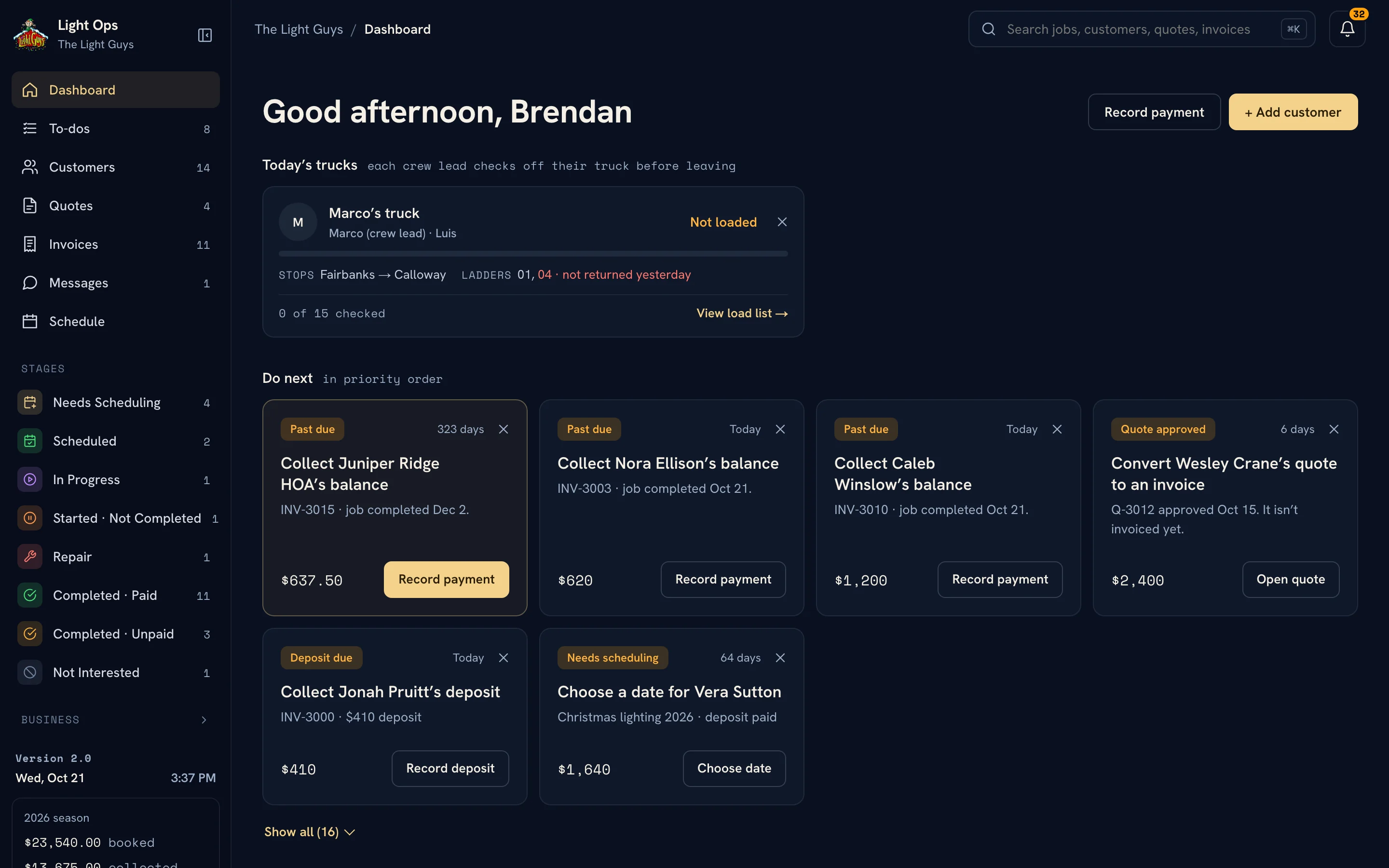
The screen below shows the website's presentation of the product, not a separate software dashboard dropped into the case study.

The guided product tour
One job.
The whole story.
Eight steps follow a fictional lighting job from the first request through installation. Each step pairs a short explanation with the screen that makes it concrete.
Progress markers, Back and Next controls, and a screen viewer make it easy to inspect a detail or move on. The story stays manageable, even when the product behind it is complex.

Interaction design
A closer look,
without losing your place.
The screen viewer opens the selected tour step at a useful size. Previous and Next controls carry the story into the viewer, while closing it returns to the same step.
It gives dense product screens room to be read without filling the marketing page with tiny screenshots.

The website on a phone
Keep the character.
Simplify the path.
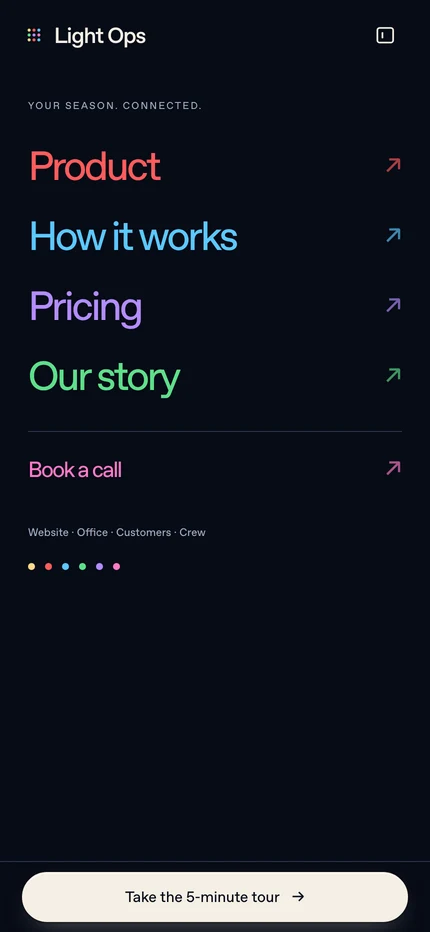
The opening stacks into one column, with a shorter introduction and large actions. The headline keeps its color and character while the next steps become full-width buttons.
Navigation gets its own space. The tour puts its controls within reach, so the same story can be followed one step at a time on a phone.

Make the product clear
before asking for the call.
Website design + development
Made by Collins Creative.
We designed and built Get Light Ops as the marketing website for the Light Ops product, with its own visual presentation, responsive layouts, and guided product story.
The software itself has a separate case study. This project is about how the website introduces that software to the people it was built for.
Read the Light Ops software case studyYour next chapter
A good product deserves
a clear introduction.
We build marketing websites that show what a product does, explain why it matters, and give people a useful next step.
Start a projectMore Collins Creative work