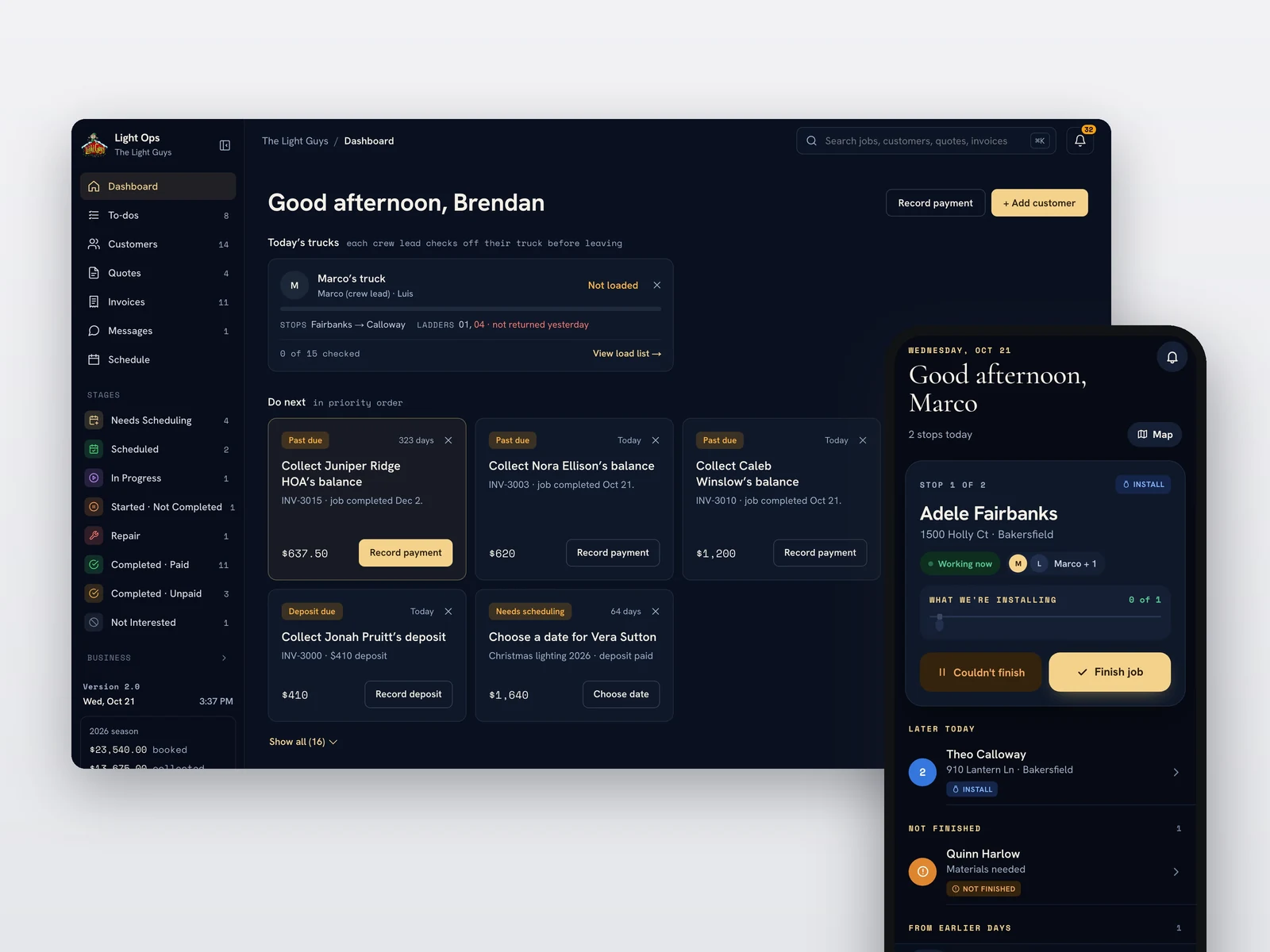
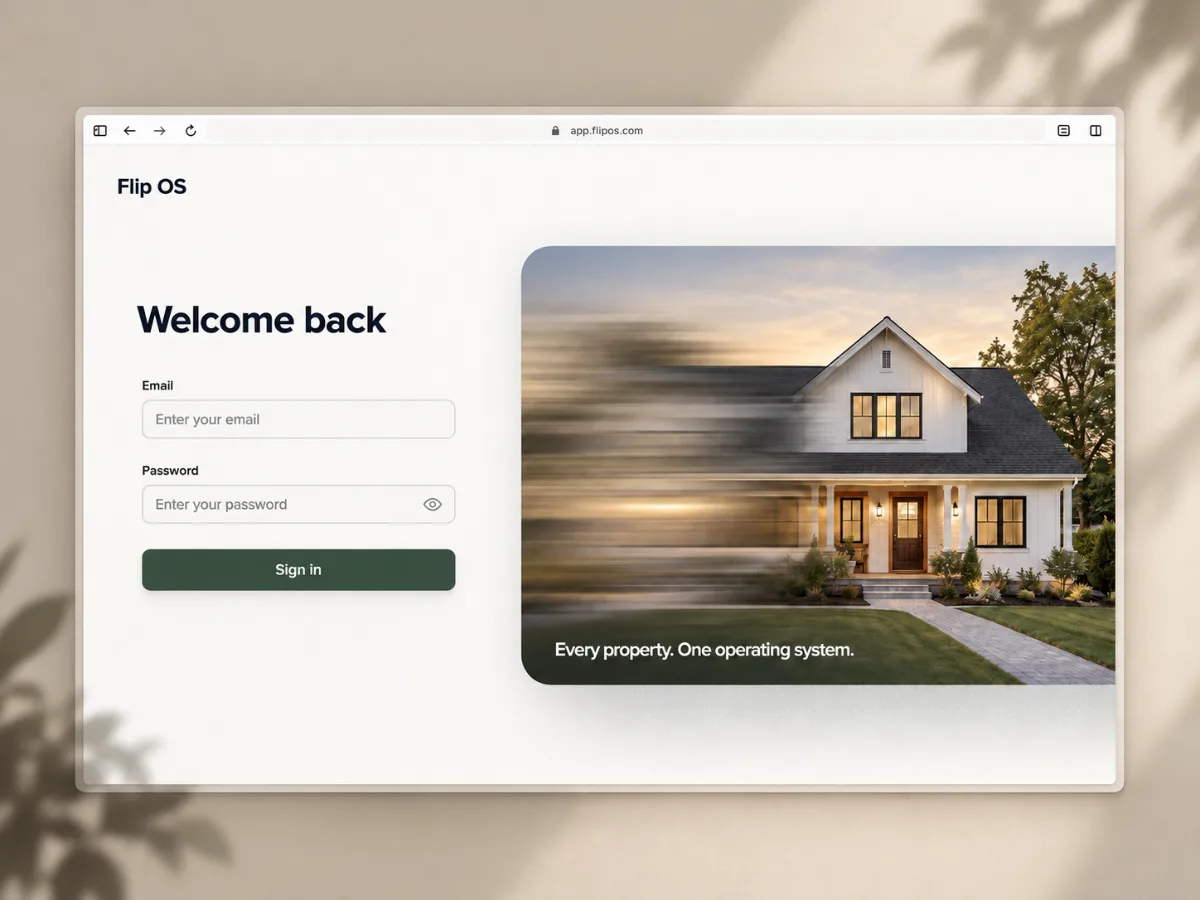
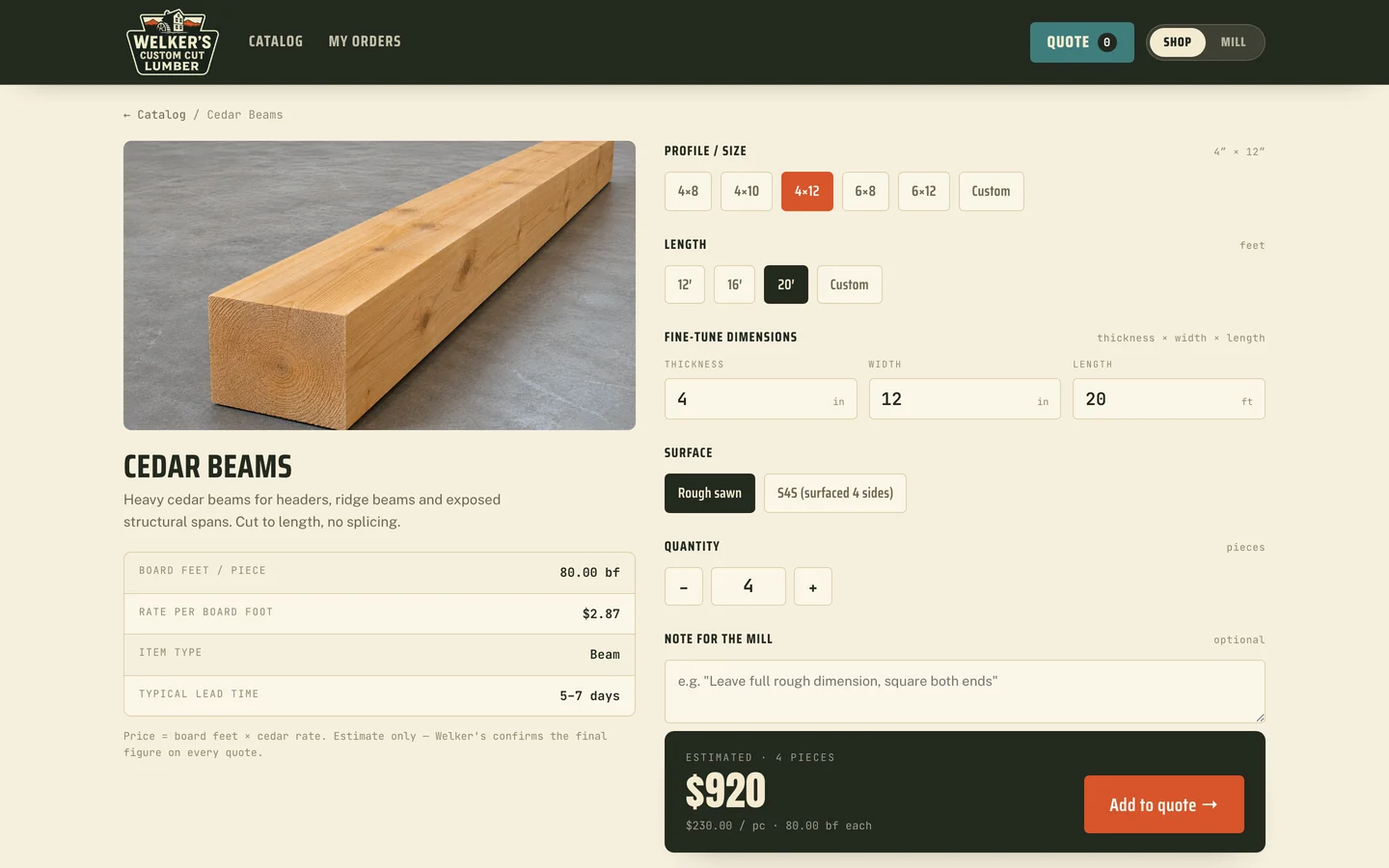
Invoice Flow Product preview
From estimate to paid,on one record.From estimateto paid, onone record.
Collins Creative designed and built Invoice Flow, an invoicing workspace for service businesses. Customers, reusable products, estimates, invoices, deposits, and payments stay connected, so the office never rebuilds the same job twice.
The workspace, interactive
Open the demo.
Move a job through.
Choose Continue to demo workspace, then open an estimate, convert it to an invoice, or record a payment. Everything you change stays in this browser.
The sign-in form is a demo. Sending opens your own mail app instead of delivering anything, and no payment is processed.
The challenge
The invoice is one document. The job is the system.
Getting paid starts long before an invoice goes out. The customer, the scope, the line items, the approval, the deposit, and every payment after it all belong to the same job.
When those pieces live in a spreadsheet, an accounting screen, and an inbox, the office spends its time rebuilding context. The product had to keep that chain intact without turning a small business into an enterprise software customer.
The document record
Every document shows
its next move.
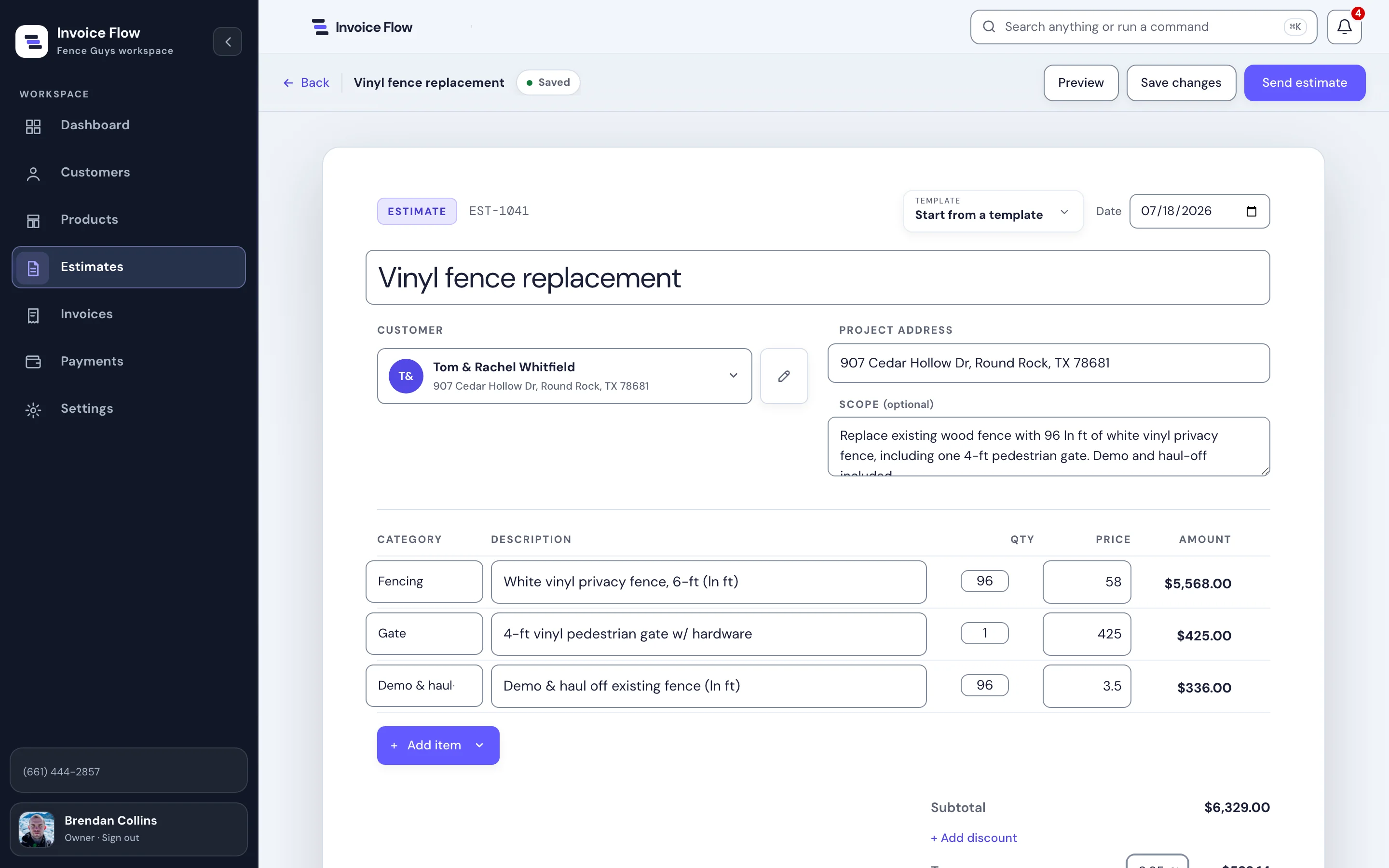
An open invoice leads with its status and how late it is, then puts Record payment and Send invoice beside it. The document below is what the customer receives.
Deposits, payments to date, and the balance are calculated from the same line items, so the numbers on the dashboard and the document always agree.
The workflow
One job, four stages,
always visible.
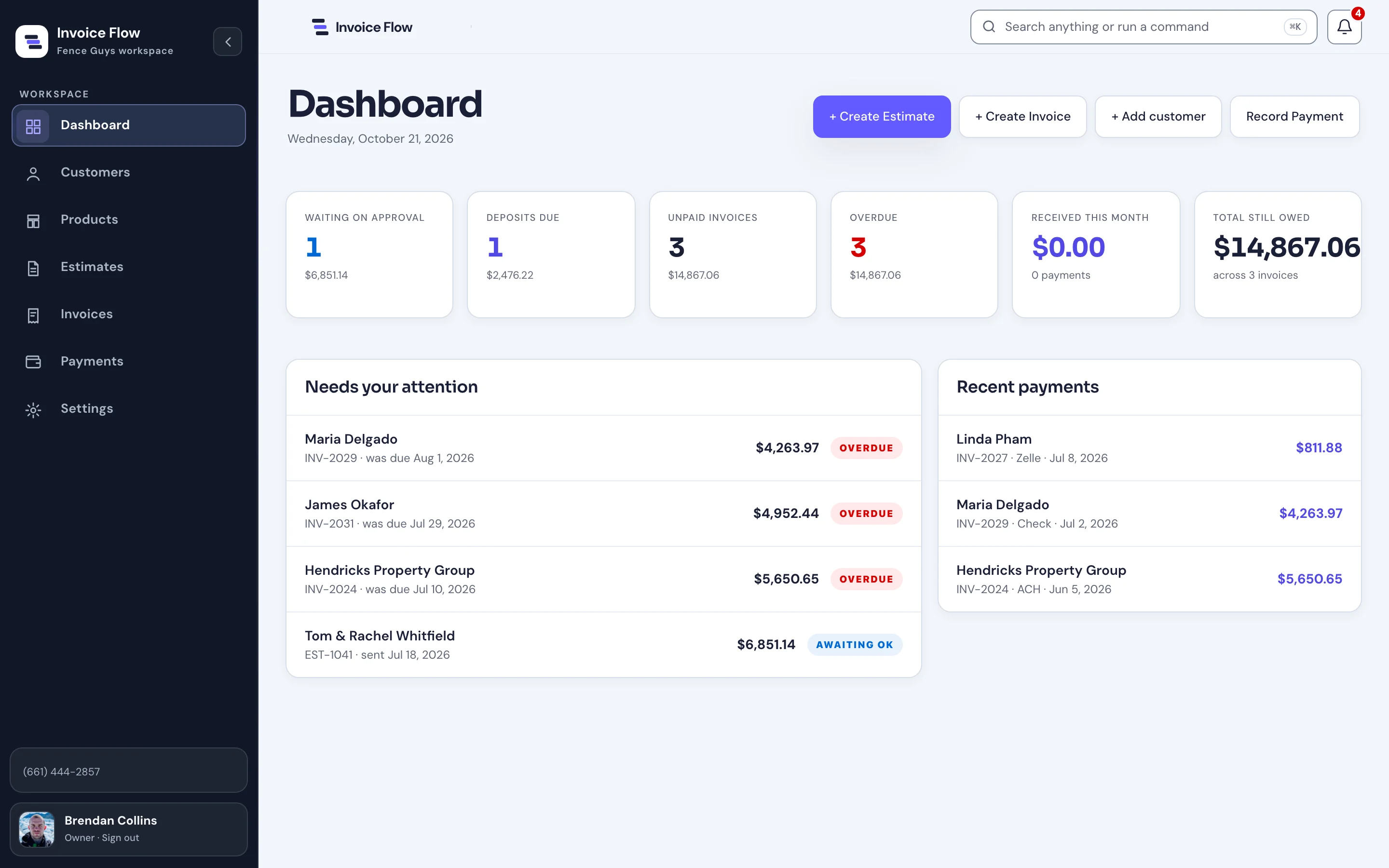
The dashboard opens with the questions an office asks each morning: what is waiting for approval, which deposits are due, what is unpaid or overdue, and what came in this month.
Each item links straight to its estimate or invoice, and a search and command bar sits at the top of every screen.
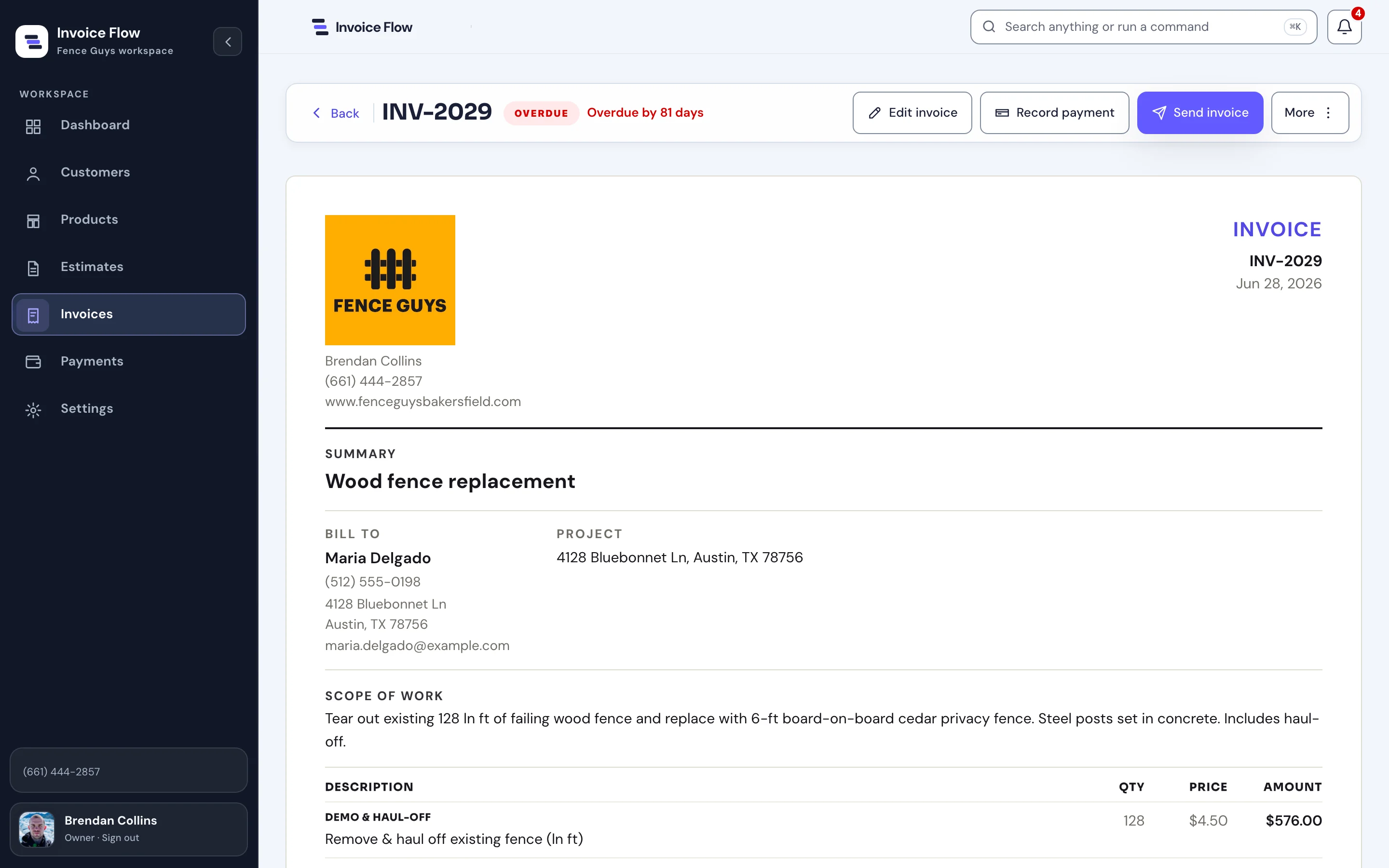
- EstimateBuilt from saved products and templates
- ApprovalSent, viewed, approved by name
- InvoiceConverted with the deposit carried over
- PaymentRecorded by method, balance updated
Prototype boundary Records are stored in the browser, and the demo can import from Wave or QuickBooks exports and back up or restore a workspace. Accounts, email delivery, card processing, and a shared database are not connected yet.
On a phone
The same office,
from the truck.
On a phone the sidebar becomes a bottom tab bar, the dashboard totals stack into cards, and each document keeps a compact header with its status and a Send button.
The workspace can also be installed from the browser as an app.


What we made
The work around
the invoice.
Attention-first dashboard
Approvals, deposits due, unpaid and overdue balances, recent payments, and quick actions on one screen.
Estimate and invoice builder
Templates, saved products, categorized line items, tax, discounts, deposits, and a customer message.
Document records
Status, activity, approvals, payment history, reminders, customer links, and PDF download for every estimate and invoice.
Local-first demo workspace
Browser storage, Wave and QuickBooks import, backup and restore, nine interface themes, and an installable app.
The invoice is one screen.
The product is the job around it.

Project lead
Brendan Collins
Brendan led the product strategy, workflow design, UX/UI, and front-end build, from the dashboard and document builder to the phone layout.
The key judgment was treating the job, not the invoice, as the record: the estimate, deposit, invoice, and payment stay together, and every document shows its next step.
Meet the studioYour next chapter
Rebuilding the same job
in three tools?
We design software that keeps a job on one record, from the first estimate to the last payment.
Start a projectMore Collins Creative work