Bakersfield Cedar Website + quote flow
Prices on the page.Quotes in three steps.Prices onthe page.Quotes inthree steps.
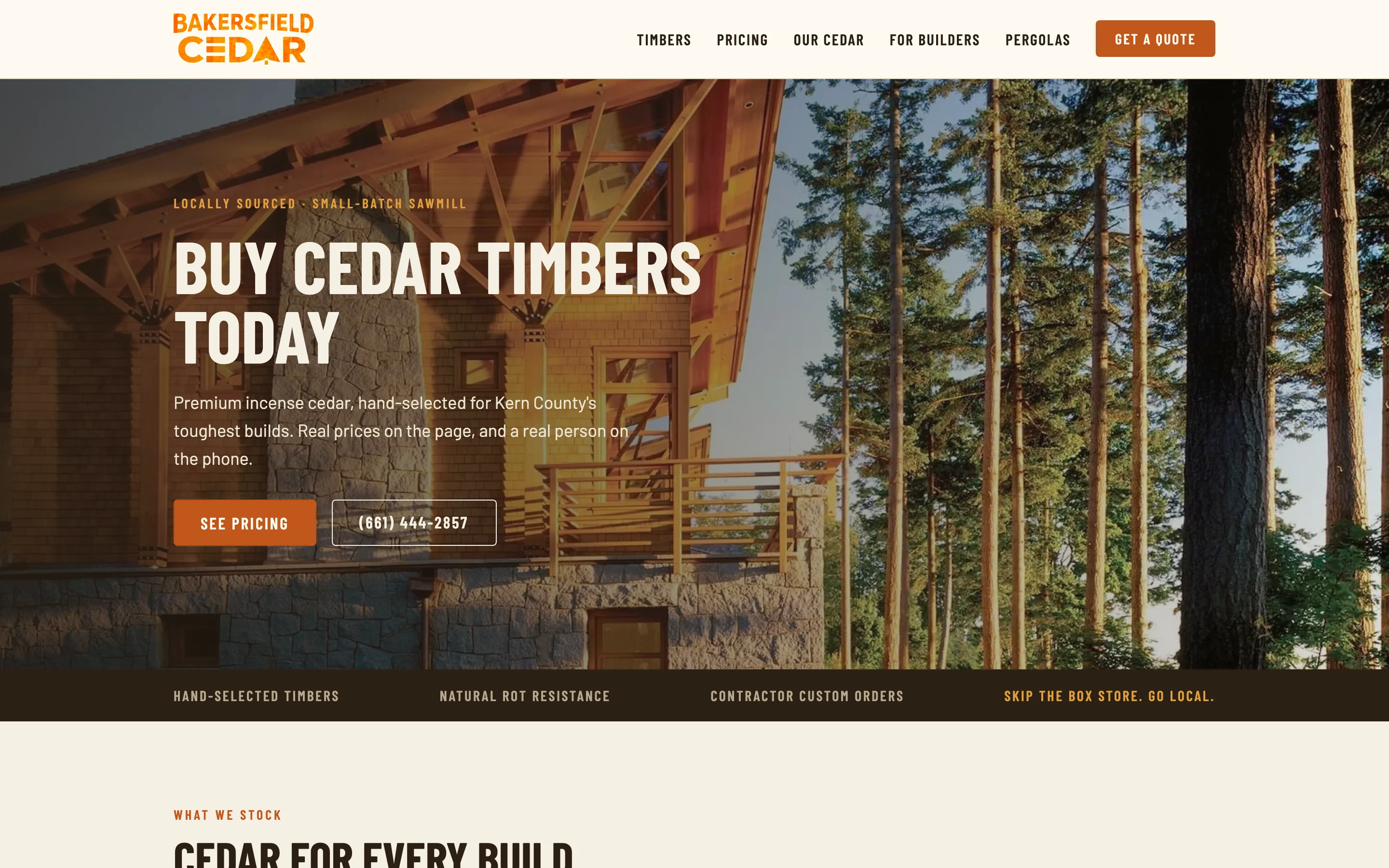
Collins Creative designed and built the Bakersfield Cedar website: a cedar lumber site that lists fifteen common sizes with prices on the homepage and turns a contractor's cut list into a three-step quote request.
The website, interactive
Find the size.
Send the specs.
Scroll the homepage, open a product page, and step through the quote request on desktop or on a phone. This is a copy of the live site.
The quote steps work, but sending is turned off in this copy, so no request is ever made. Phone and email links reach the real business.
The challenge
Common sizes have a price. Custom cuts need a conversation.
Cedar timbers are bought two ways. A homeowner building a pergola wants to know what a 6×6 costs right now. A contractor has a cut list in sizes and lengths that may not be on any shelf.
The site had to answer the first buyer on the page and make it easy for the second to send enough detail for a real quote.
The quote request
A cut list in
three short steps.
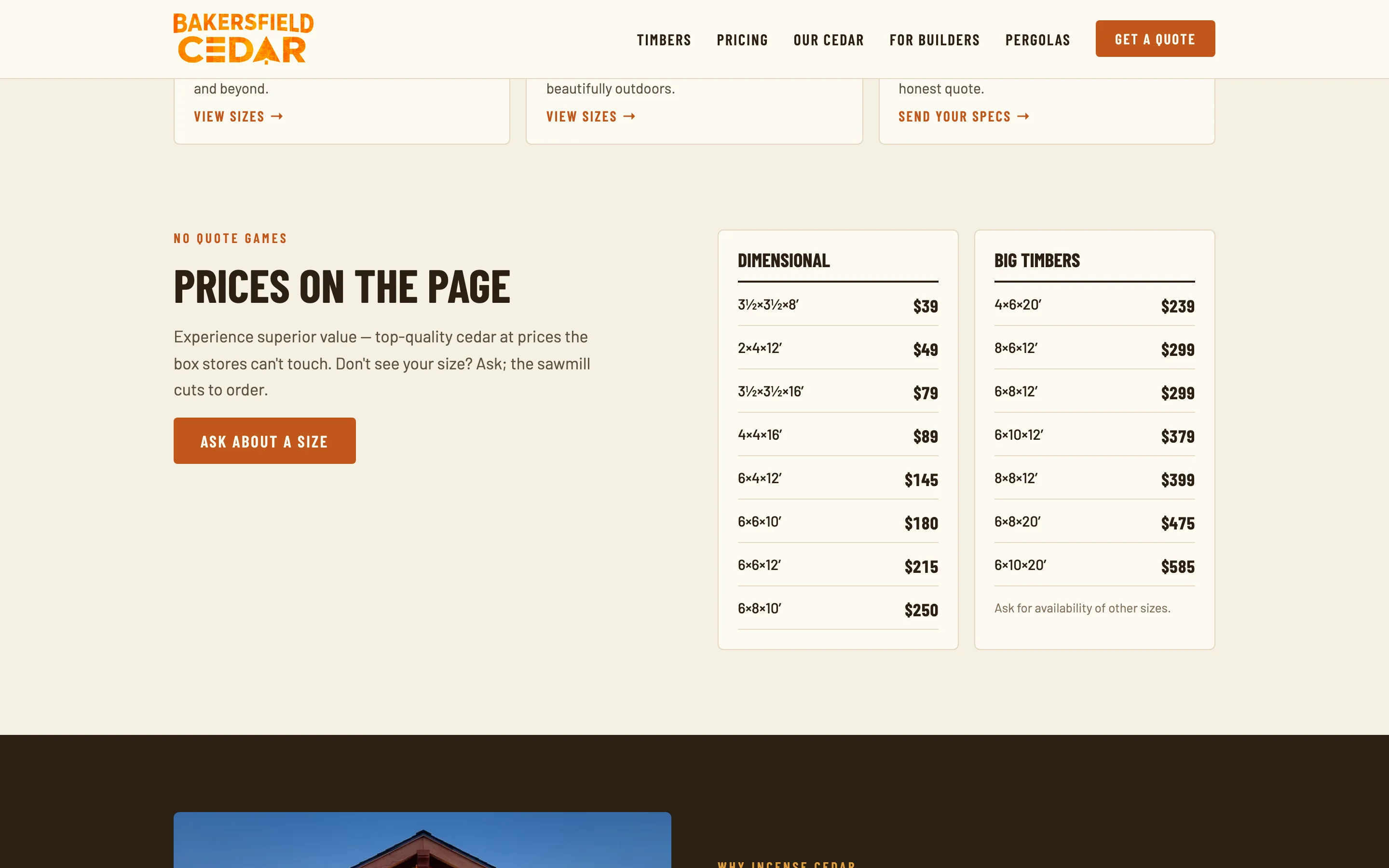
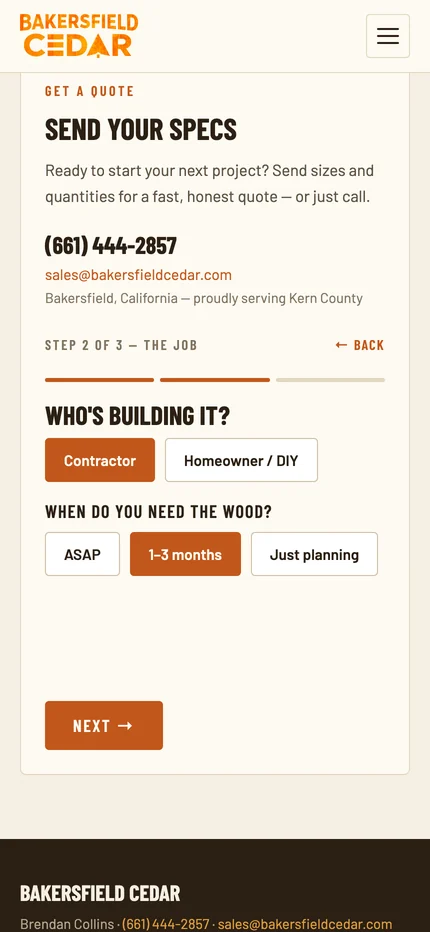
The quote form starts with one tap, not a blank page. Each step asks a single kind of question, and the cut list comes last, when the buyer is ready to type. A progress bar and a Back link keep the steps easy to change.
- ProjectPergola, patio cover, outdoor kitchen, trusses or beams, fence or gate, or something else.
- The jobContractor or homeowner, and when the wood is needed.
- Specs and contactSizes and quantities ("rough is fine"), a name, and a phone or email.

On a phone
Priced and quoted
from the yard.
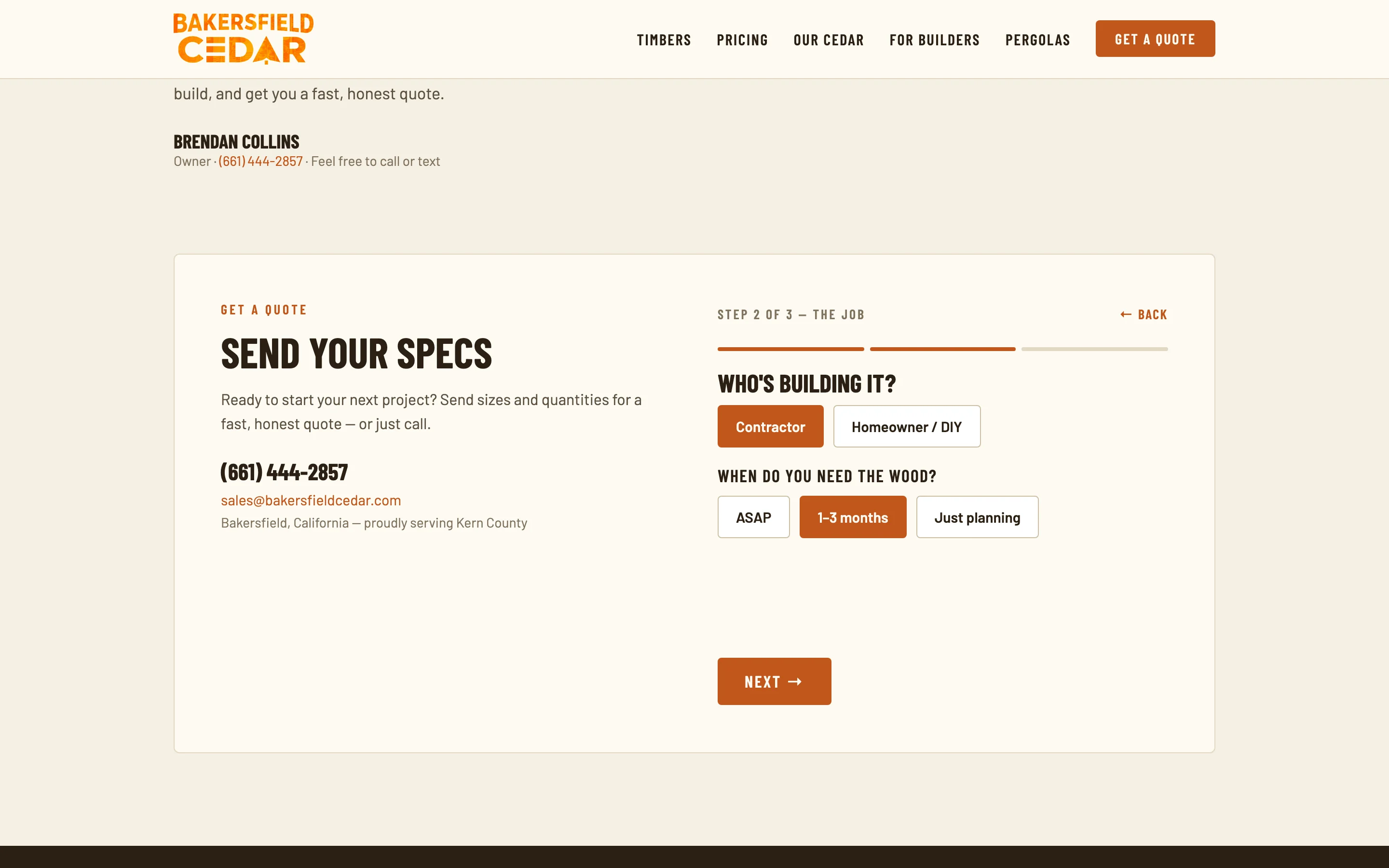
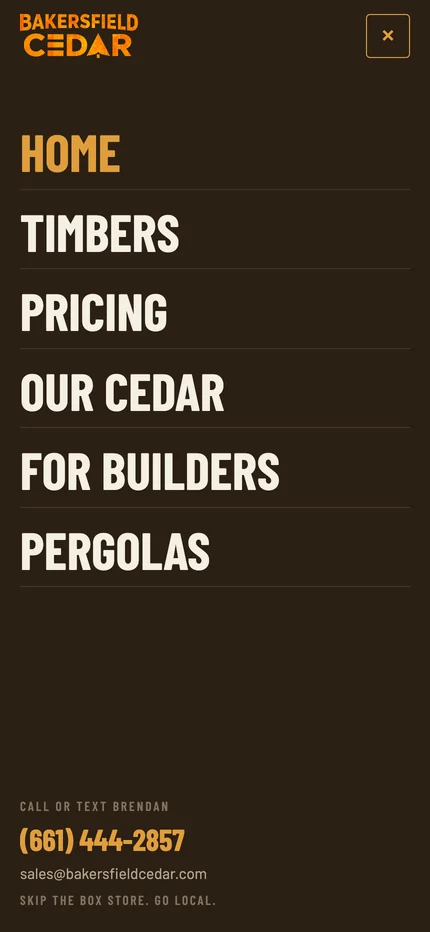
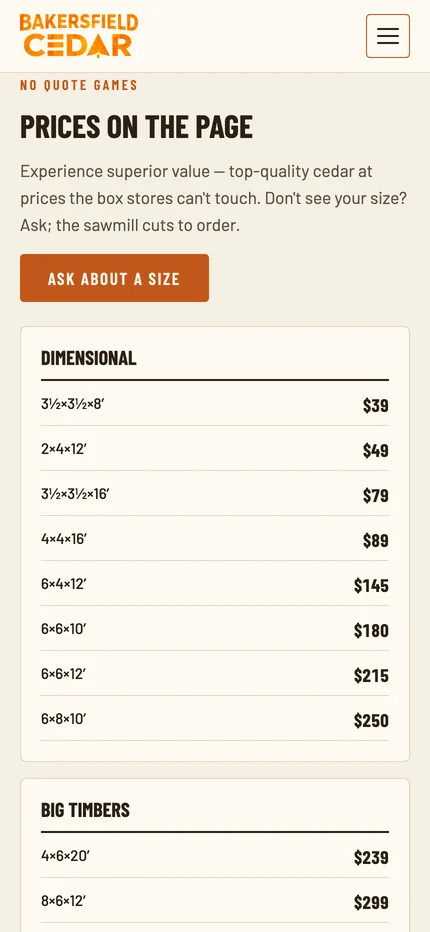
On a phone the menu takes over the screen with the phone number and email at the bottom. The two price lists stack into one column, and the quote steps keep their progress bar and Back link.
What we made
A lumber site
that answers first.
Homepage and product paths
Three routes into the stock: rough sawn timbers, pergola lumber, and custom orders.
Price lists
Fifteen common sizes priced on the homepage, plus a dedicated pricing page.
Three-step quote request
Project, the job, then specs and contact, available on the homepage and from Get a quote in the navigation.
Six pages, every screen
Home, Timbers, Pricing, Our Cedar, For Builders, and Pergolas, with a full-screen mobile menu.
Put the price where
the question is.

Project lead
Brendan Collins
Brendan led the strategy, copy, UX/UI design, and front-end build of the site, from the price lists to the quote request.
The key call was splitting the two buyers: show the common sizes with prices, and give every custom order a short, guided way in instead of a blank contact form.
Meet the studioYour next chapter
Is your price list stuck in a phone call?
If customers call to ask what things cost, we can put the answer on the page and turn the rest into a quote request worth answering.
Start a project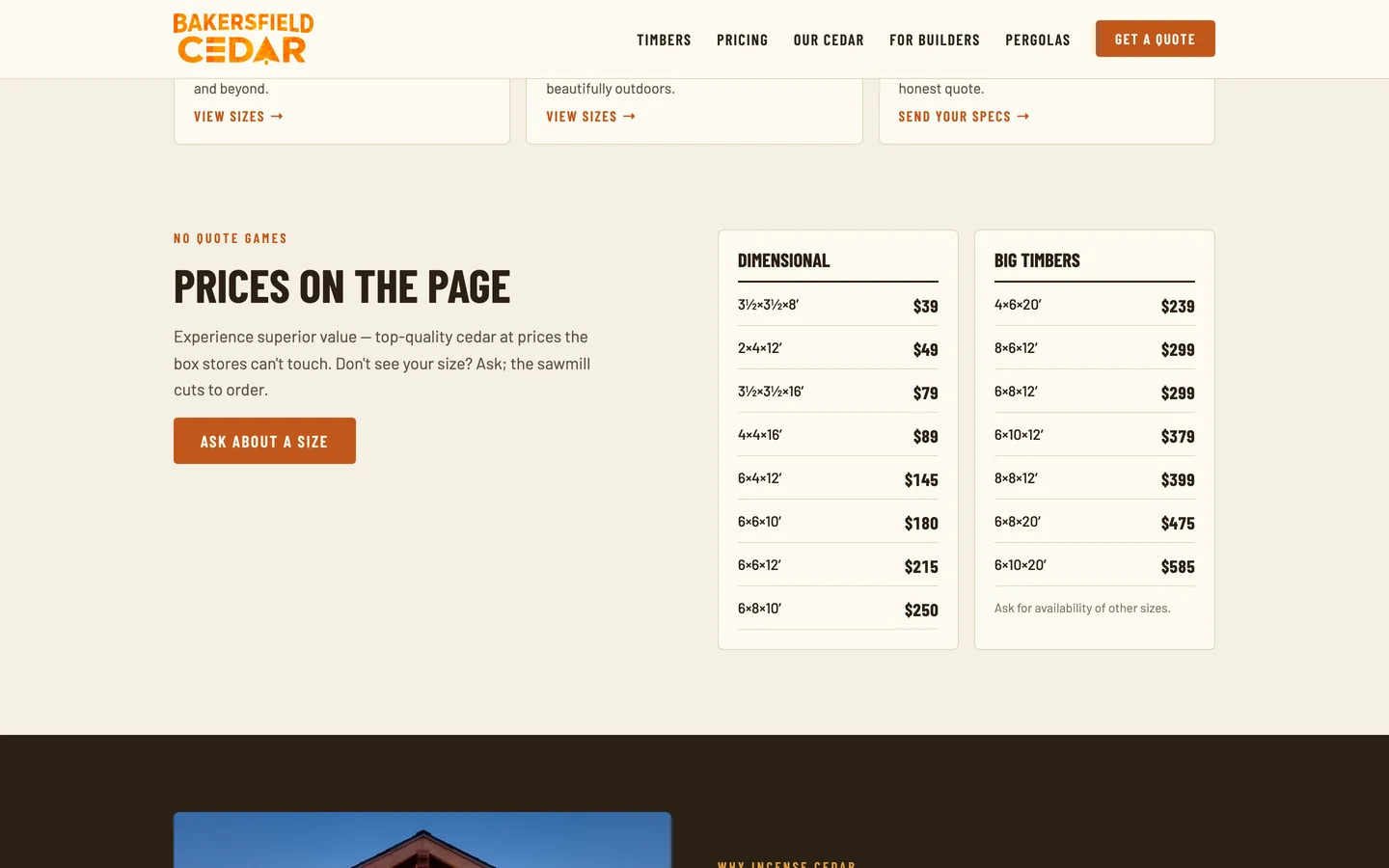
More Collins Creative work