PickupUltimate Game finder web app
Find a game.Get to the field.Find a game.Get tothe field.
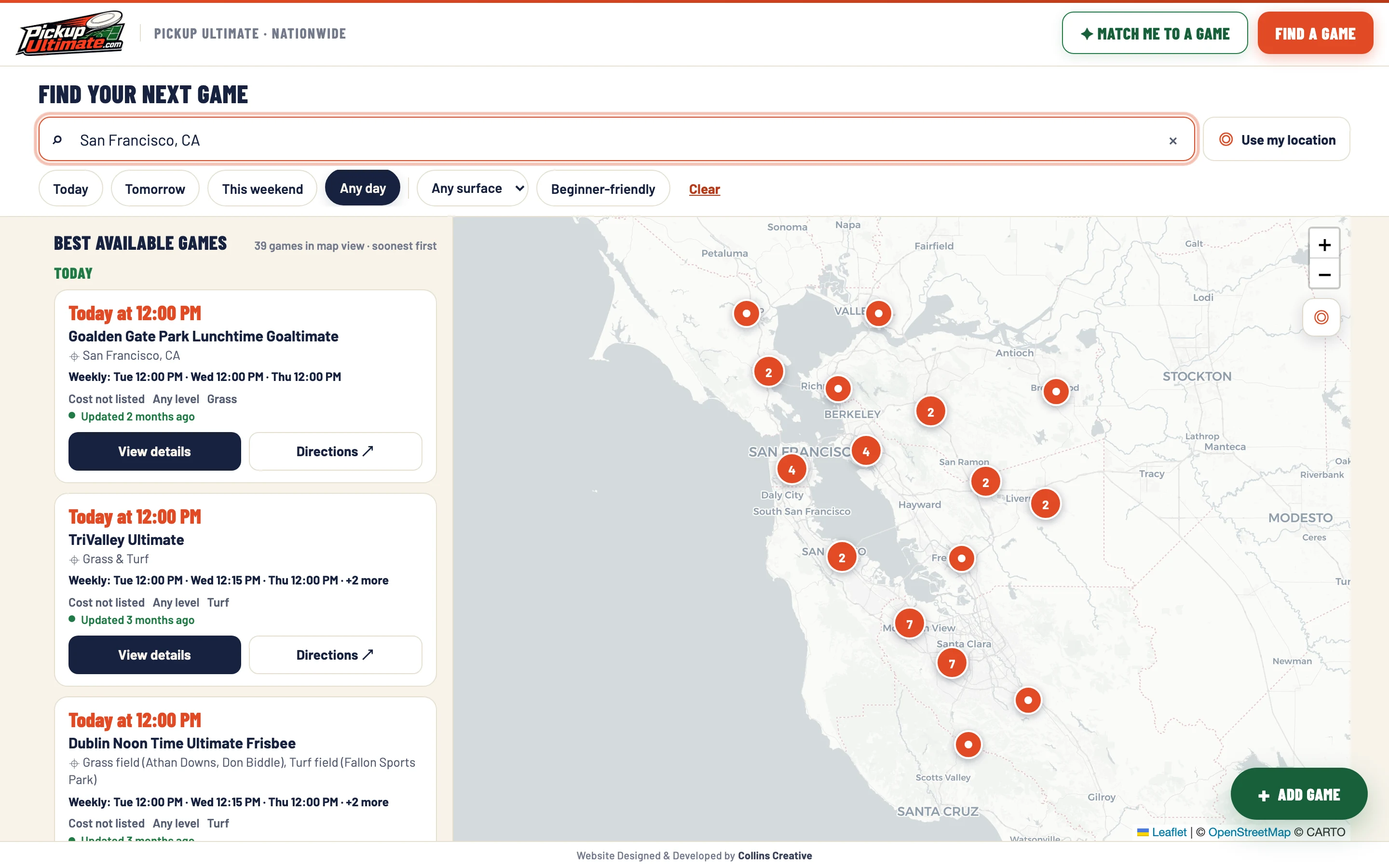
Collins Creative designed and built a working redesign of the PickupUltimate directory around two jobs: help a player find a pickup Ultimate game nearby, and give an organizer a short way to add one.
The prototype, interactive
Search a city.
Open a game.
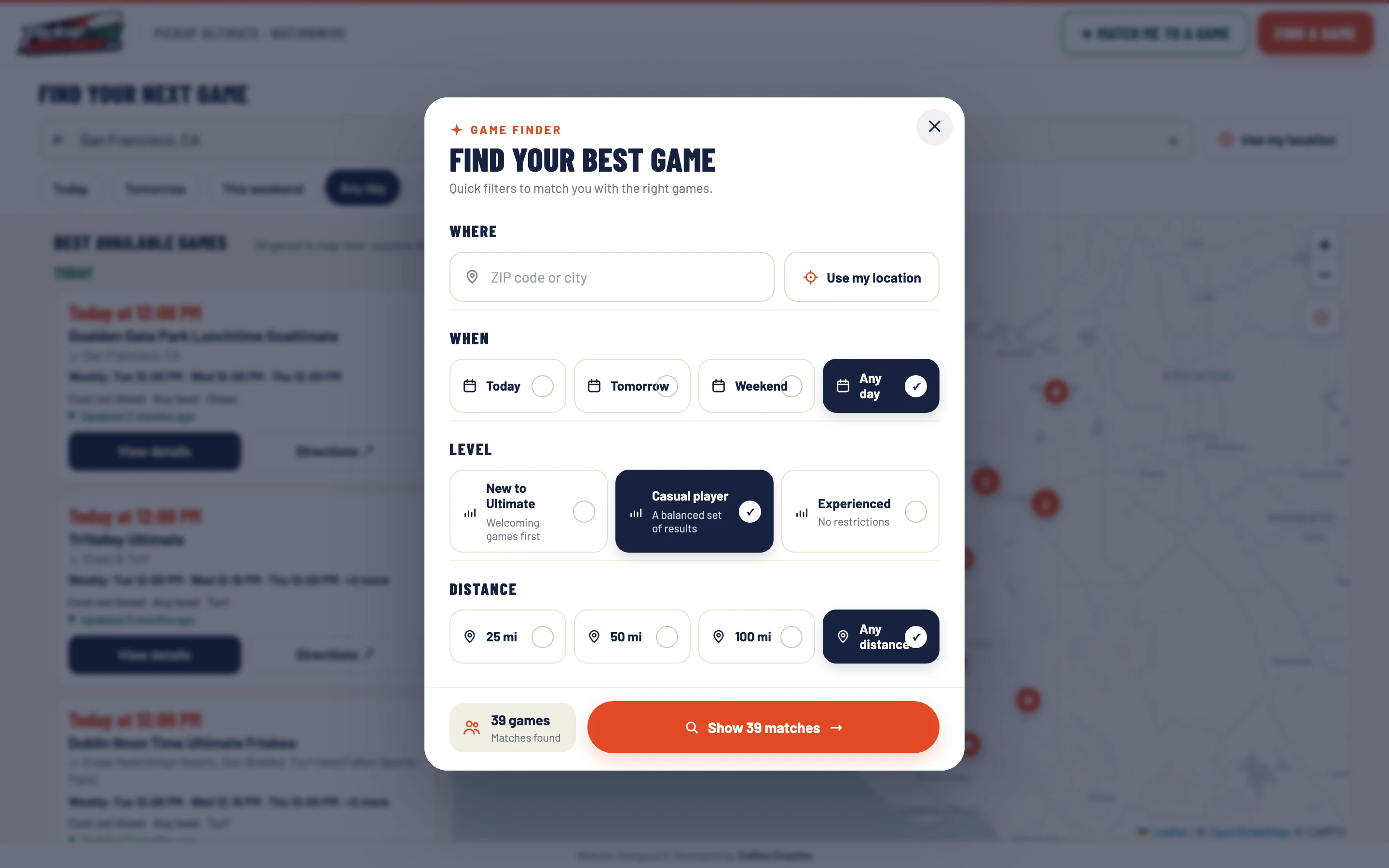
Type a city or place, pick a day, switch between list and map on a phone, open a game for its schedule and directions, or try Match me.
Listings come from a fixed snapshot and are not refreshed. A game added here is saved only in your own browser and is never sent anywhere.
The challenge
A world map doesn't say when you can play.
PickupUltimate already gathers community-run games, their weekly schedules, and their fields in one directory. But its homepage opens on a world map, and its city pages are long blocks of text, so a player has to dig to answer one question: is there a game near me this week?
We rebuilt the experience to answer that first, and keep the map as context beside the list.
Interaction design
Time first.
Details one click away.
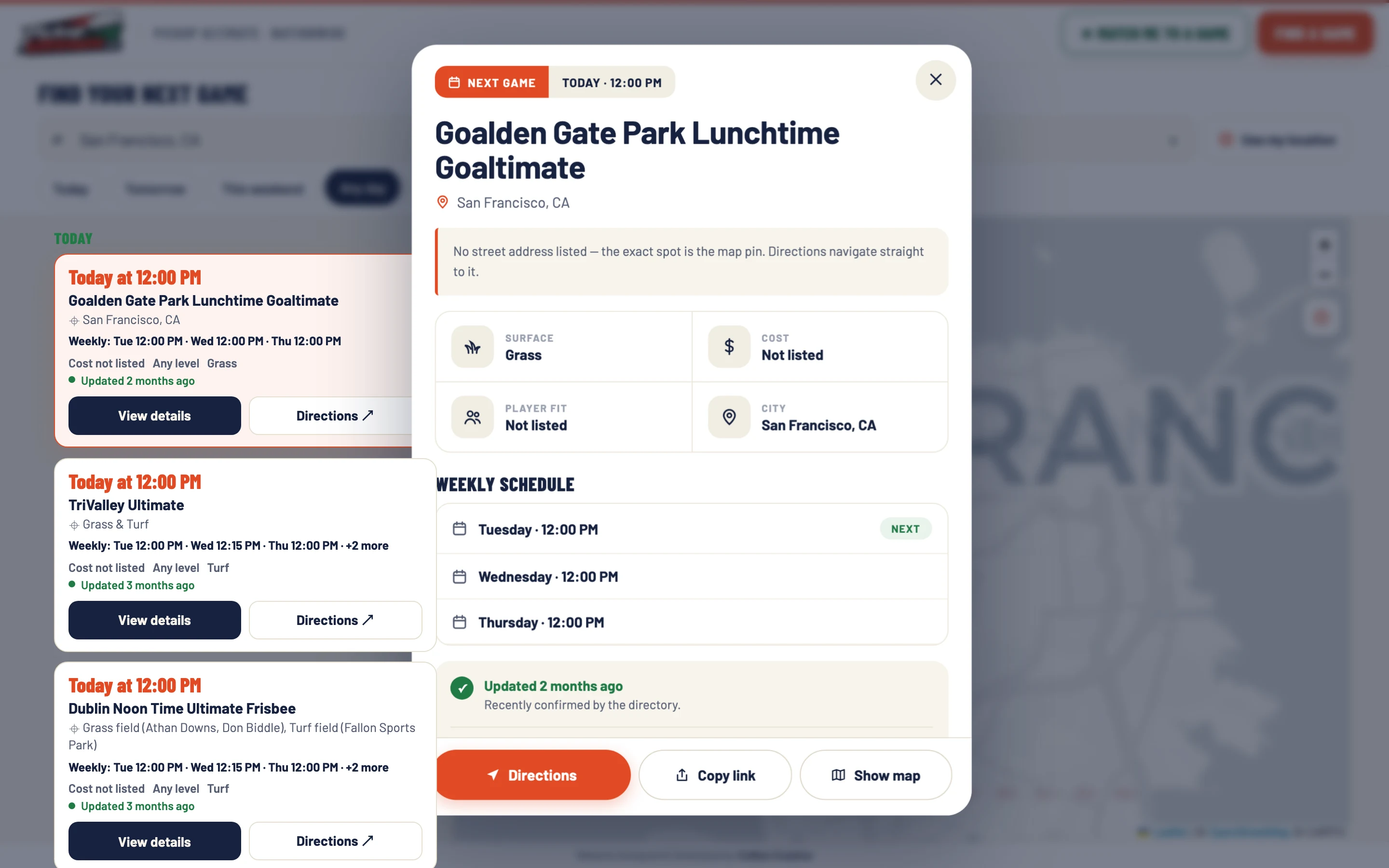
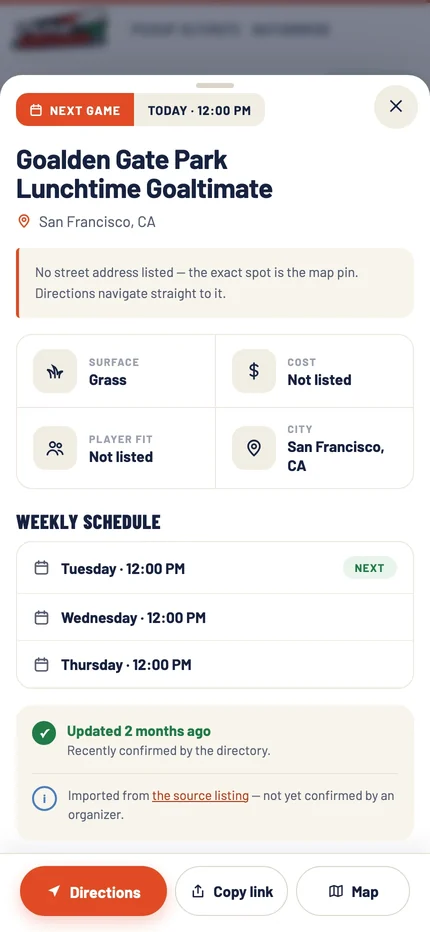
Every card leads with the next time the game plays, then the field, cost, level, and surface. Opening a game shows its weekly schedule, notes, and directions in a panel while the search stays where the player left it.
Responsive system
List or map,
one tap apart.
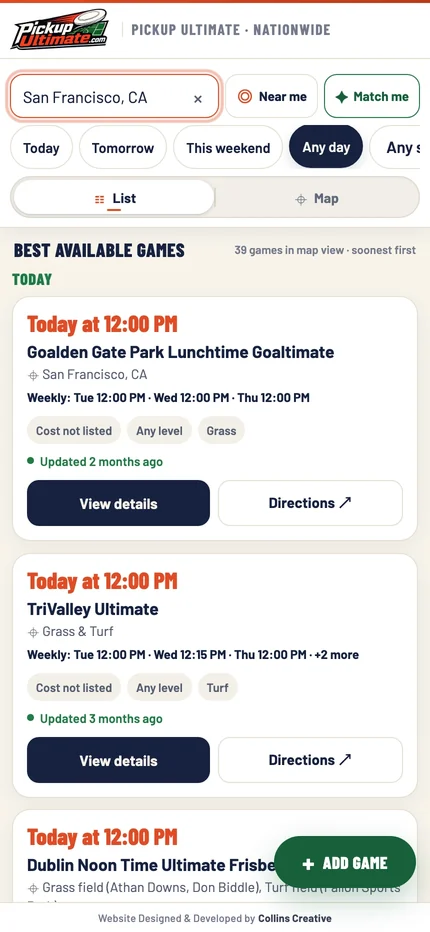
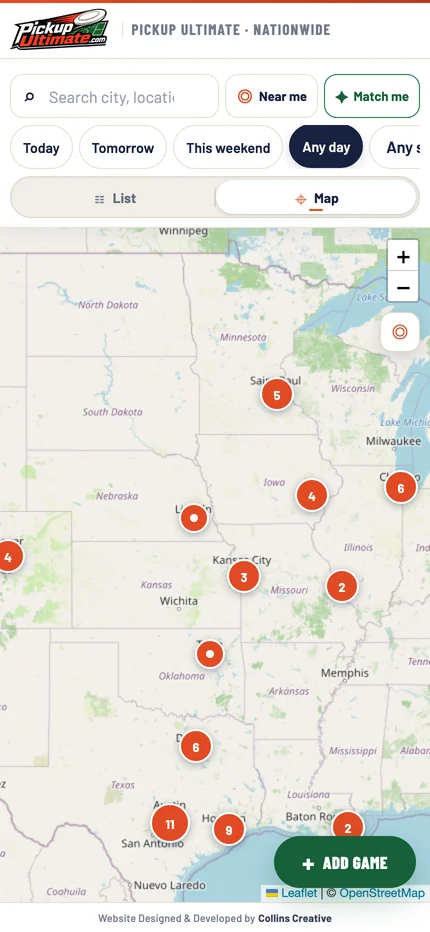
On a phone the search, Near me, and Match me controls stay at the top, and a List and Map switch replaces the side-by-side layout. Game details open as a sheet with Directions pinned at the bottom.
Location is asked for only after the player taps Near me.
Adding a game
Three short steps
for organizers.
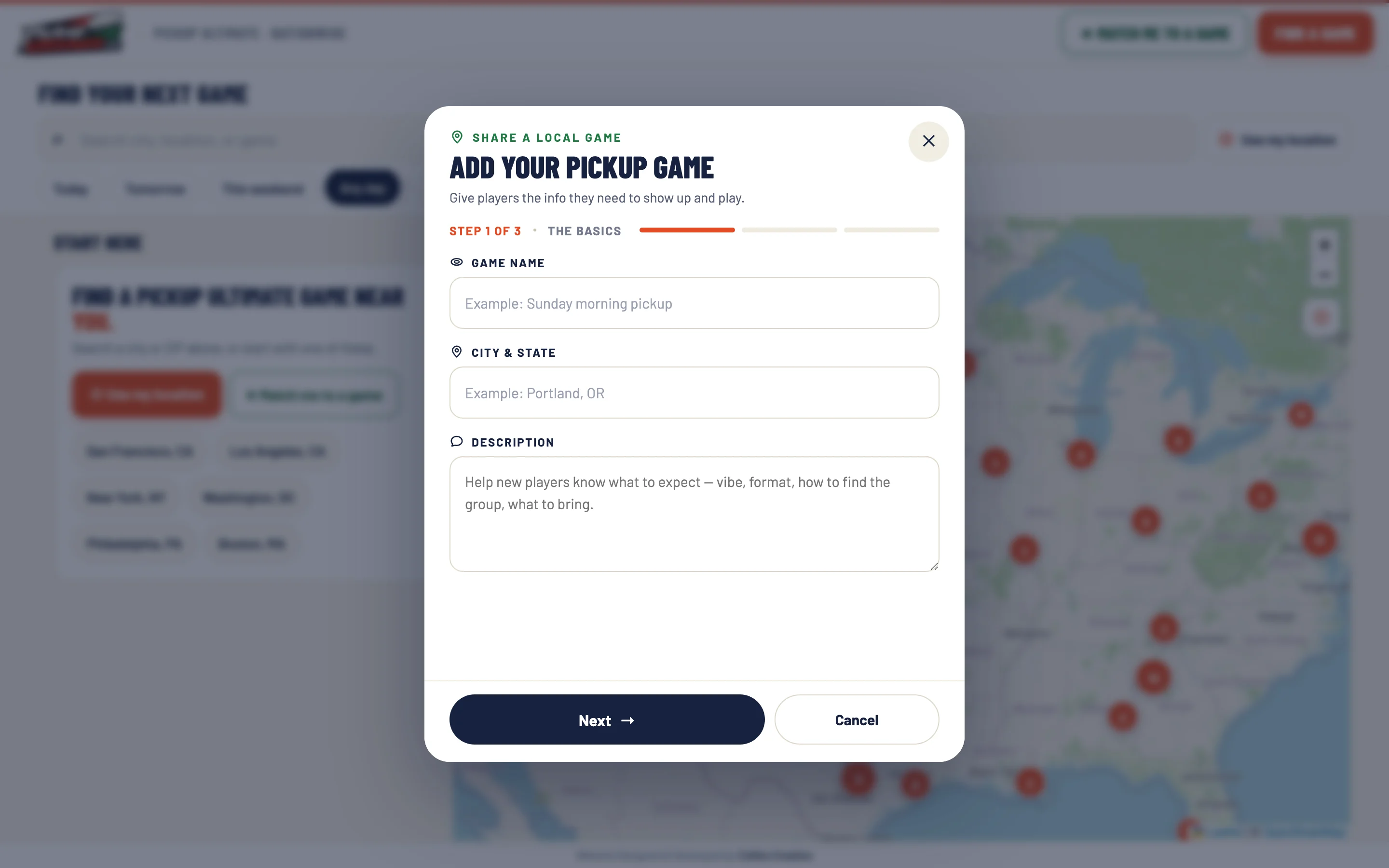
Organizers add a game through a focused form instead of an account gate. It asks only for what a player needs to show up: what the game is, when it plays, and where.
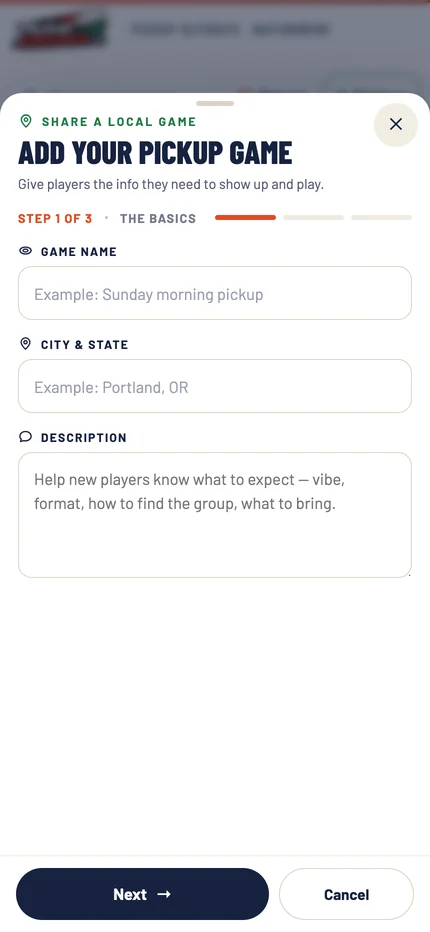
- The basicsGame name, city, and a short description of what to expect.
- When it playsWeekly, monthly, or one-time, with as many weekly time slots as needed.
- Where and detailsAddress or park, field notes, cost, and player level. A game that is already listed opens instead of being added twice.
One step at a time.
The same form, as a sheet.
Prototype limit Added games are saved in the visitor's browser only. A shared, reviewed listing would need accounts, verification, and storage that this prototype does not include.
What we made
One product for players
and organizers.
Search-first game finder
Search by city, place, or game name, or use your location, with day, surface, and beginner-friendly filters.
Synced list and map
Game cards and a clustered map that update together, with a List and Map switch on phones.
Game details and matcher
A detail panel with schedule and directions, and a four-question matcher that shows the result count first.
Honest listings
Missing cost, surface, address, or player fit is shown as not listed instead of guessed.
The map gives context.
The card gets someone to the field.

Project lead
Brendan Collins
Brendan led the product strategy, UX/UI design, search and mapping, and front-end development of the PickupUltimate prototype.
The core decision was ordering: put the next playable time and the way to the field ahead of everything else, and say plainly when the source data is missing a detail.
Meet the studioYour next chapter
Is your directory hard to use?
If people have to dig through lists to find what's near them, we can rebuild it around search, a map, and the next action.
Start a projectMore Collins Creative work