Mobile-first web applications
Fast access from any link or browser, one shared codebase, responsive interaction, and no installation barrier for customers or occasional users.
ServicesMobile apps
In the yard, at the counter, on the job site, or in a customer’s hand. We build focused mobile experiences that make the next action obvious and stay connected to the same data that runs the rest of the business.
Where we start
The person may be carrying materials, talking to a customer, checking a dimension, uploading a receipt, or standing where service is unreliable. The interface has to respect the moment.
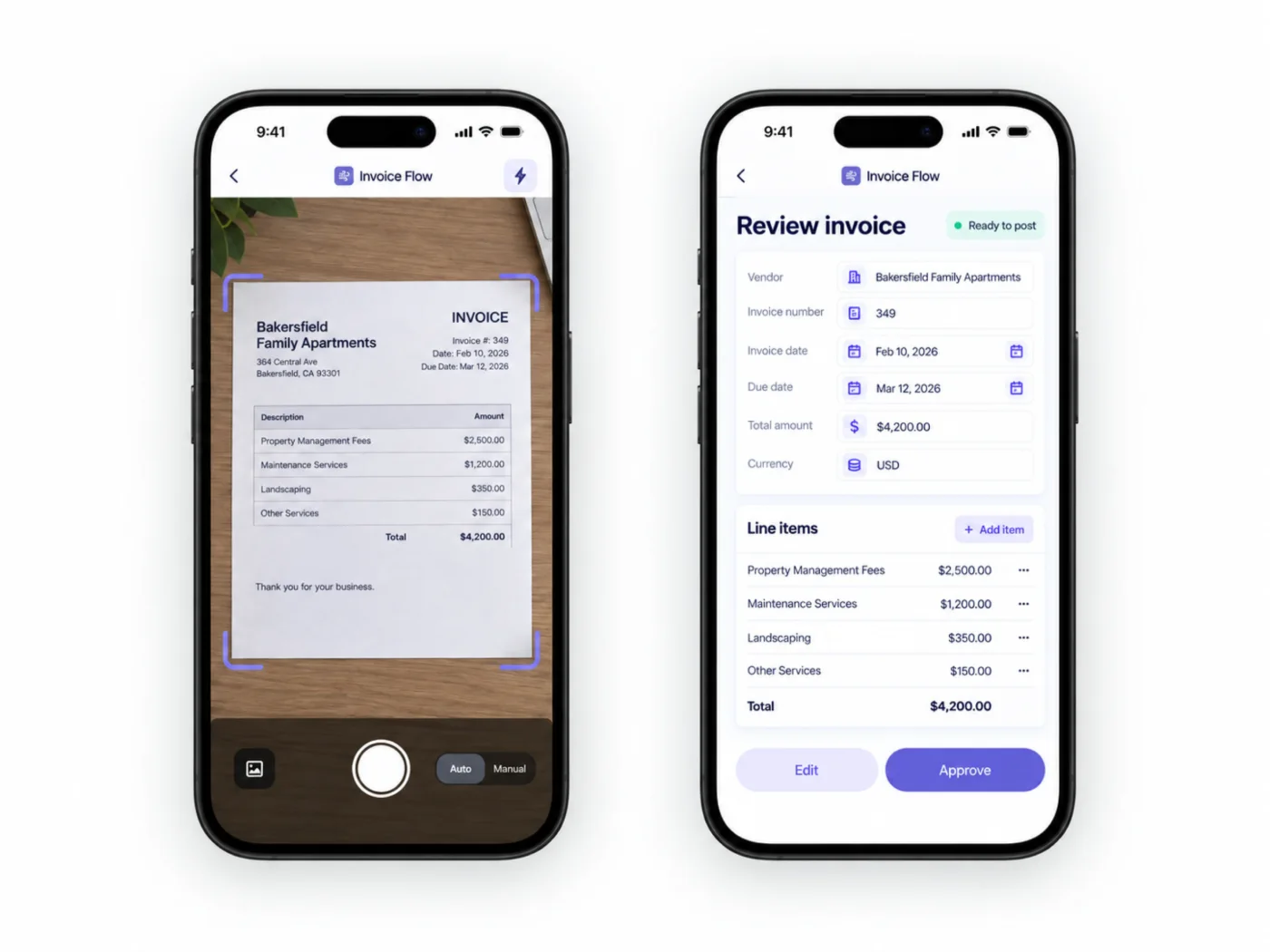
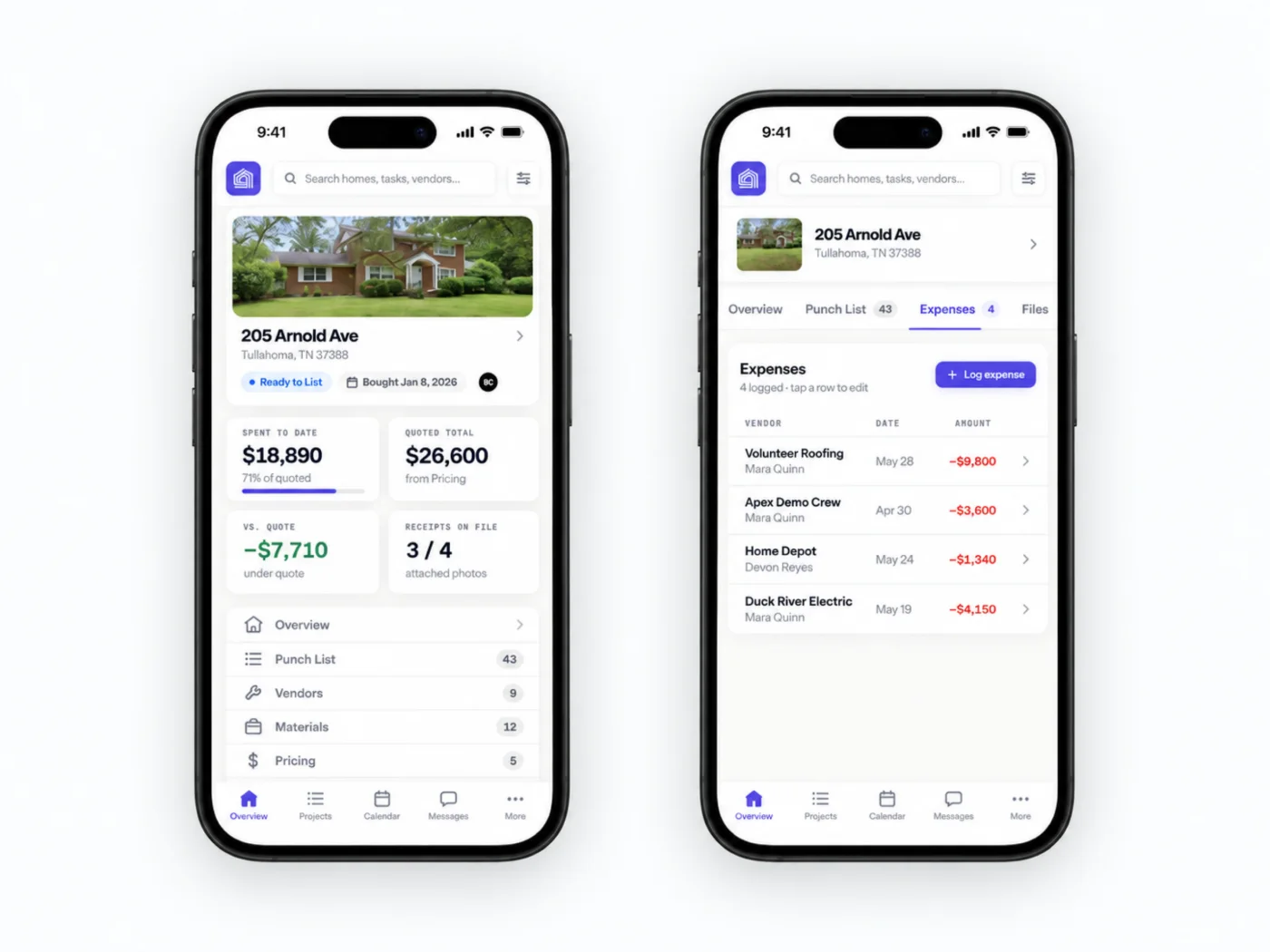
Photos, dimensions, notes, signatures, receipts, status, and customer details enter the system without a second office step.
Clear hierarchy, large controls, saved state, fast paths, and focused tasks make the app usable in the real world.
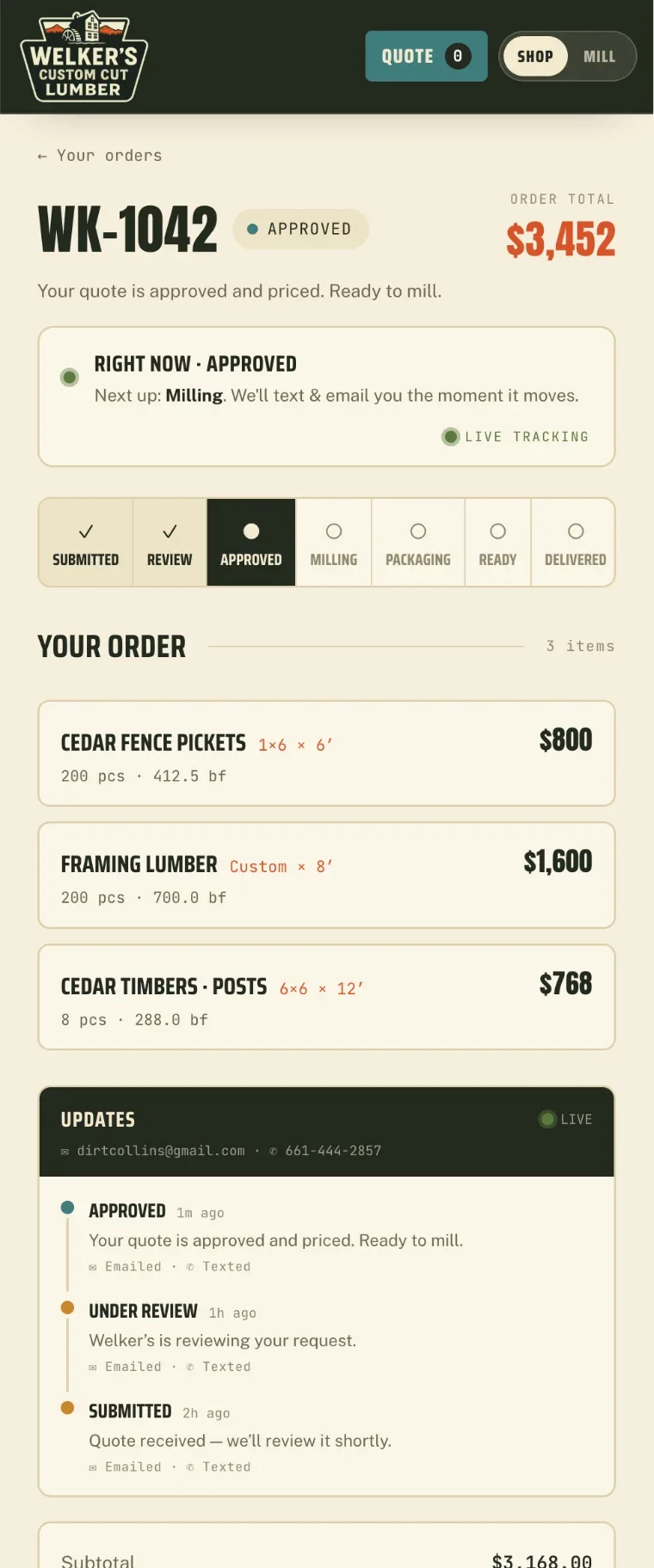
Updates flow back to customers, inventory, tasks, finance, reporting, and the team coordinating the work.
Featured · NEFCO
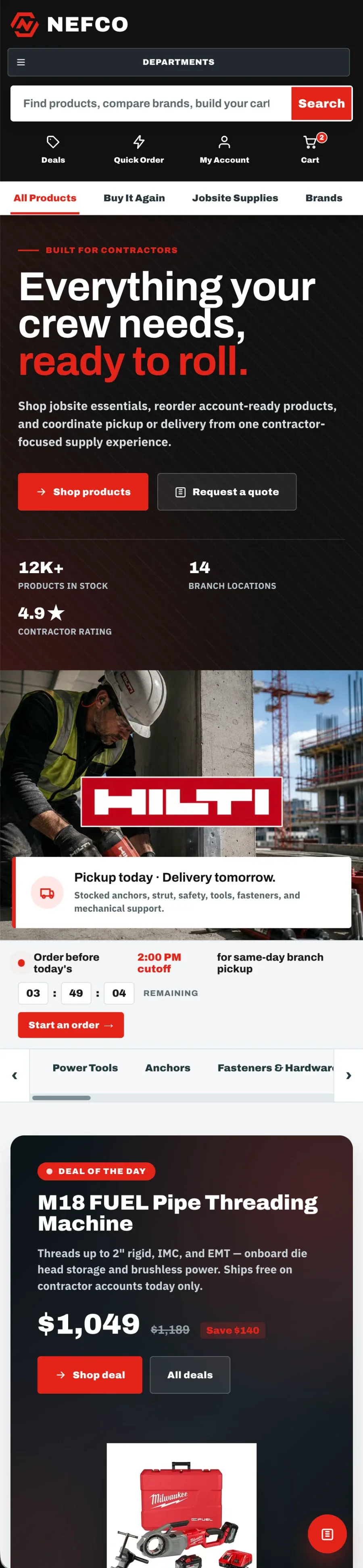
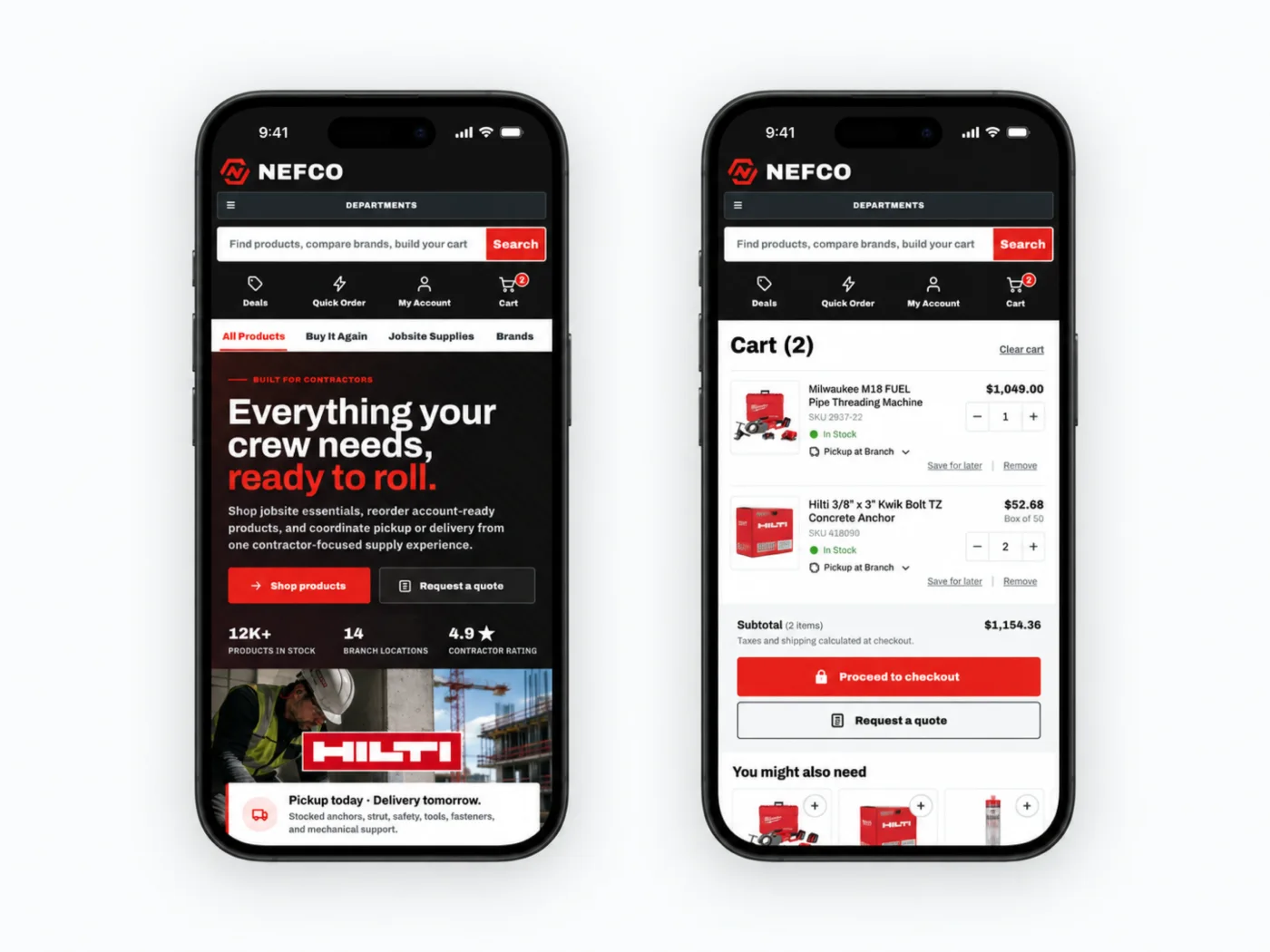
NEFCO carries a 12,000-product catalog, quick order, trade accounts, branch pickup, and repeat ordering into a phone experience designed for a contractor with one hand free.
Departments, quick order, cart, and branch pickup stay one tap deep, with the same accounts, pricing, and inventory as the desktop store.
See NEFCO →The right shape
We choose the lightest product architecture that delivers the experience, device access, distribution, and offline behavior the workflow actually requires.
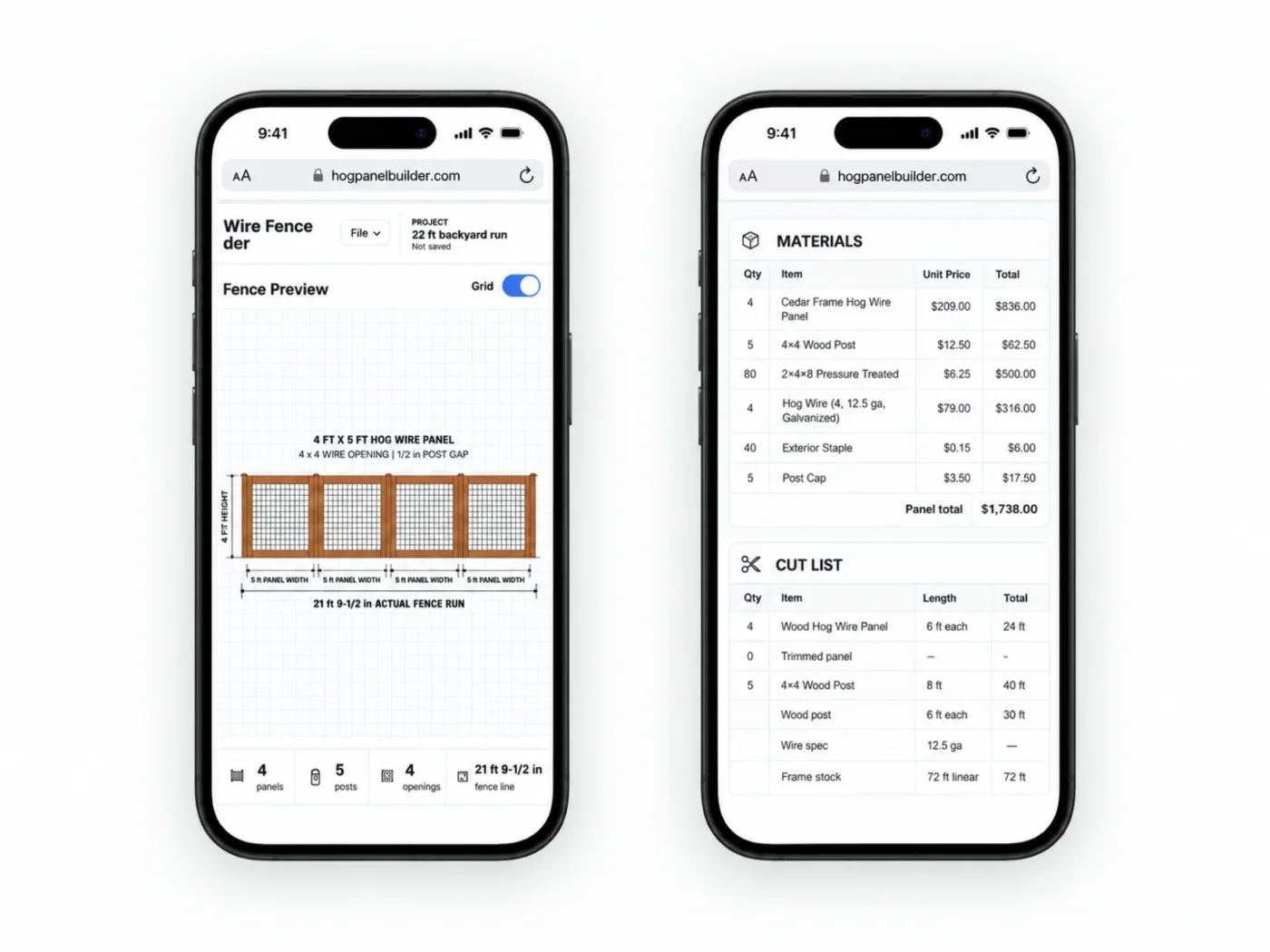
Fast access from any link or browser, one shared codebase, responsive interaction, and no installation barrier for customers or occasional users.
Home-screen installation, app-like navigation, saved state, service-worker support, and resilient browser storage where the product benefits.
When the job requires deeper device capabilities, app-store distribution, background behavior, or a dedicated long-term consumer product.
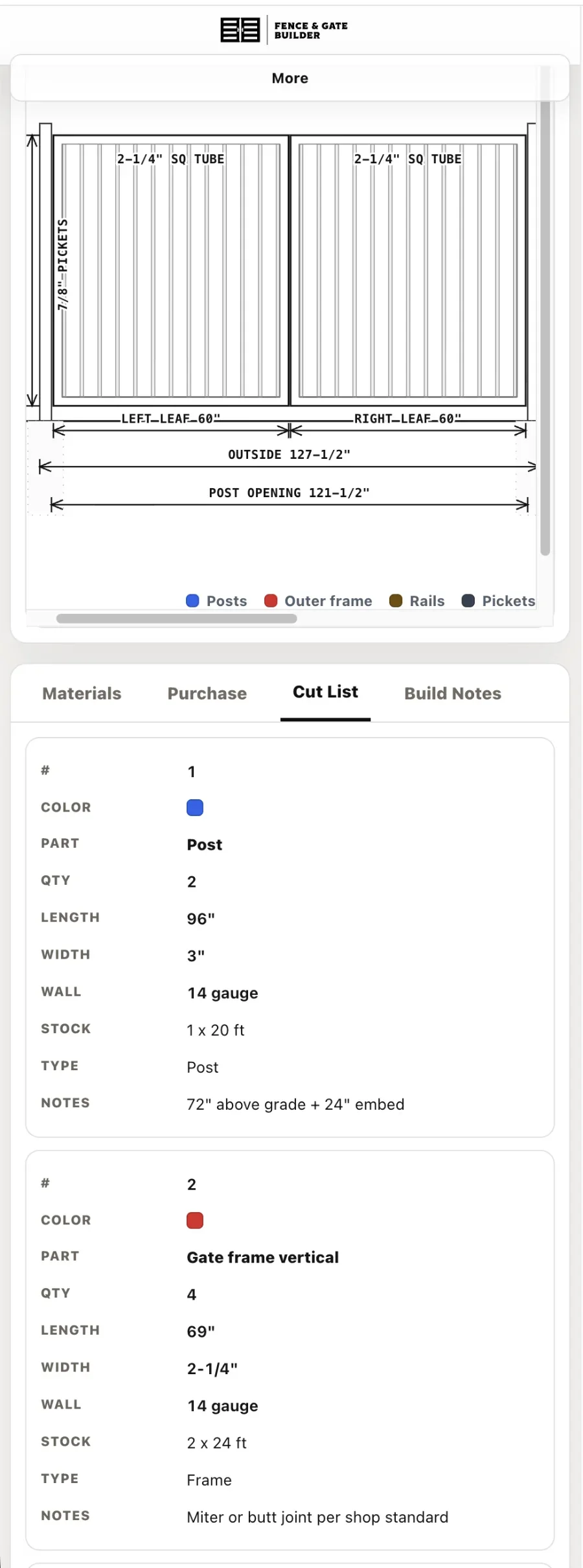
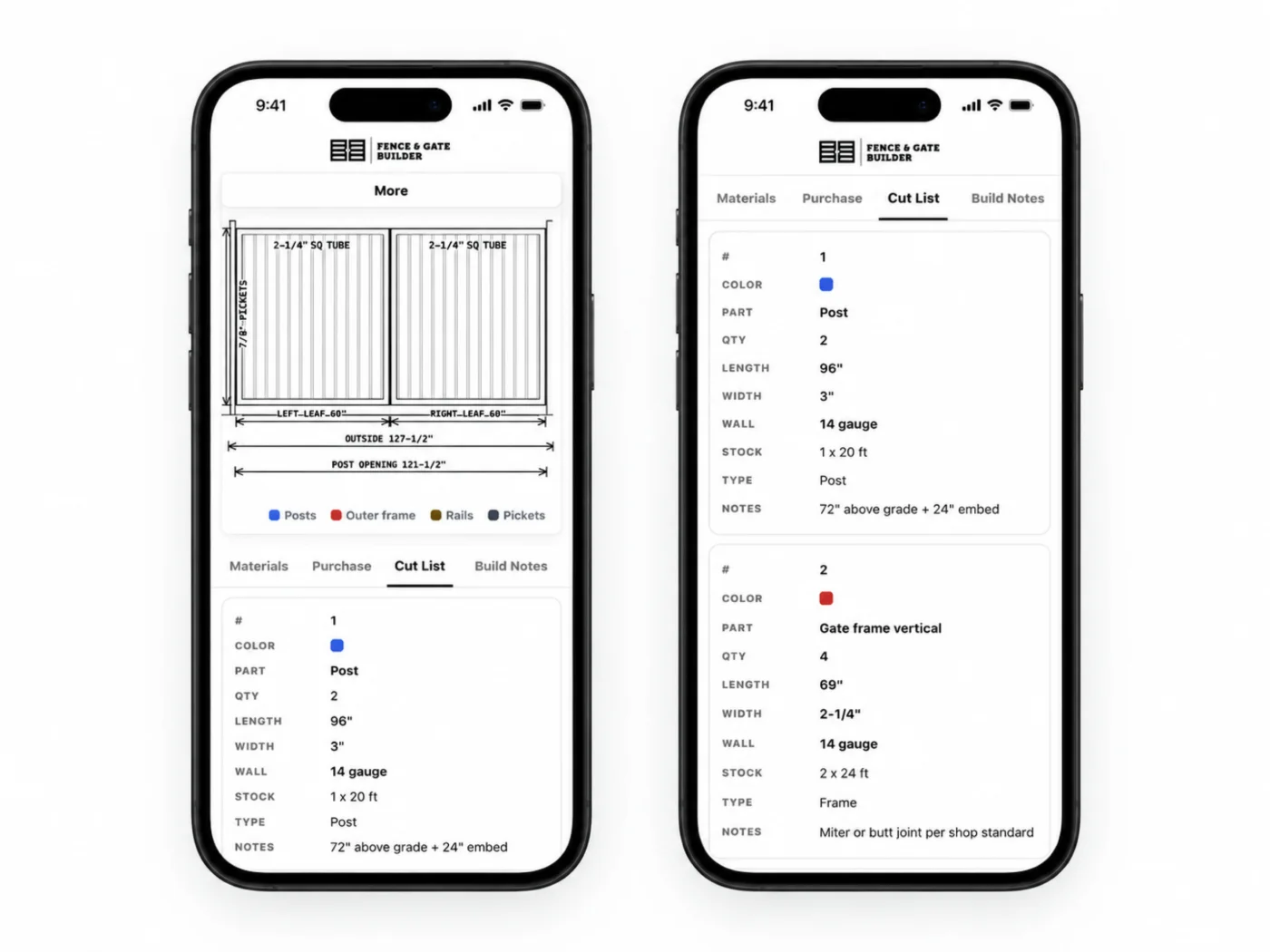
Focused field, warehouse, driver, sales, inspection, or customer surfaces connected to the operations platform behind them.
How we work
We start with the user, environment, frequency, device constraints, and handoff. Then we prototype the shortest useful path and test it against the actual workflow.
Where the task happens, what the user is carrying, what interrupts them, and what information is available.
Remove unnecessary fields, steps, choices, and navigation until the essential action feels immediate.
Share projects, customers, products, permissions, files, and status with the system behind the mobile surface.
Release to a focused group, watch what happens in the field, and improve before expanding the product.
When the phone belongs in the system
It lets someone finish the task where the information, customer, material, or decision already is. If these describe the work, the phone should be part of the system, not an afterthought.
Field · counter · warehouse
The person doing the job is standing, moving, or talking to a customer, not sitting at a monitor.
Camera · files · location
Photos, documents, signatures, dimensions, and location are captured once, at the source.
Quote · approve · pay
A price, an approval, or a payment needs to happen while the customer is still in front of you.
Tasks · status · inventory
What happens in the field changes what the office, the shop, and the customer see next.
Scope and investment
After we understand the users, environment, device needs, data, and the system behind the app, we recommend the right architecture, scope, timeline, and investment. Larger products can ship to a focused group first.
Tell us where the work happens, who is holding the phone, and what they need to finish before they put it away.