Light Ops
The whole season.
One connected system.
Built inside a Christmas lighting business.
Designed to connect everyone running it.
The actual software, interactive
Step inside
Light Ops.
Explore the office on desktop and the crew experience on mobile. These are working demonstrations with fictional records, so you can look around without changing the business.
Scroll inside either screen to explore. Scroll outside the mockups to continue the story.
The business behind the build
A whole year of work.
A very small window.
That is the pace of our own Christmas lighting business. Quotes become jobs. Dates move. A crew needs the right photo. A customer needs an answer. Every handoff matters.
Before Light Ops, the answers lived in spreadsheets, texts, emails, notes, and different apps. As the business grew, keeping those pieces connected became the hardest part.
Operating volume supplied by the business owner.

The decision that shaped everything
Build around the job.
Keep the people connected.
We tried other software. Most was designed for general contractors or year-round services. Christmas lighting has its own rhythm: sell the design, install it, keep it working, take it down, and return next season.
We built Light Ops around that full journey. Each experience shows the information its user needs, while keeping the work connected to the same customer and job.
- Request
- Quote
- Schedule
- Install
- Payment & service
- Takedown
One system, three points of view
The right information.
For the person using it.
The office sees the operation. Customers see their project. The crew sees the work ahead. Explore the interfaces we designed for each role.
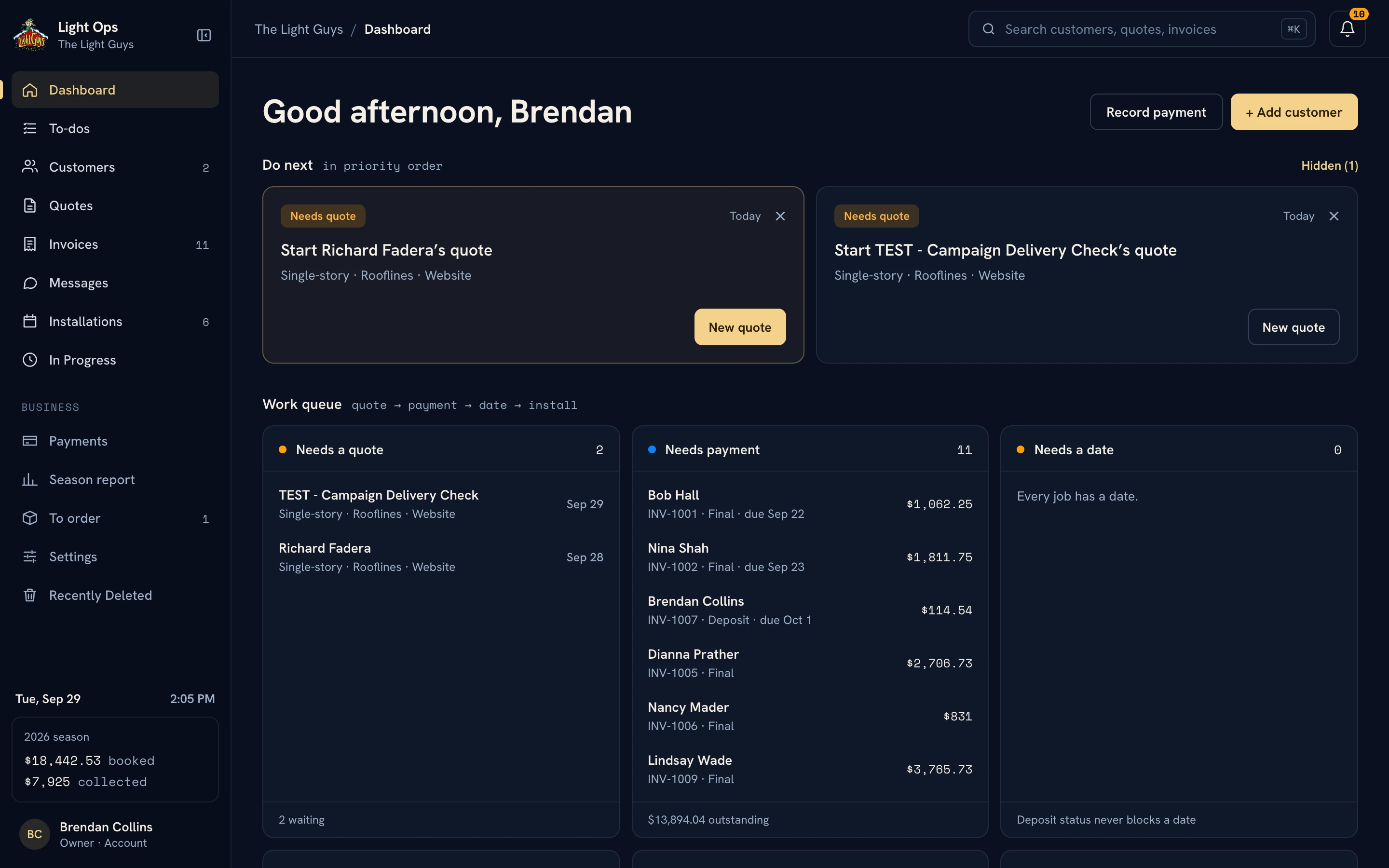
A clear view of what needs to happen next.
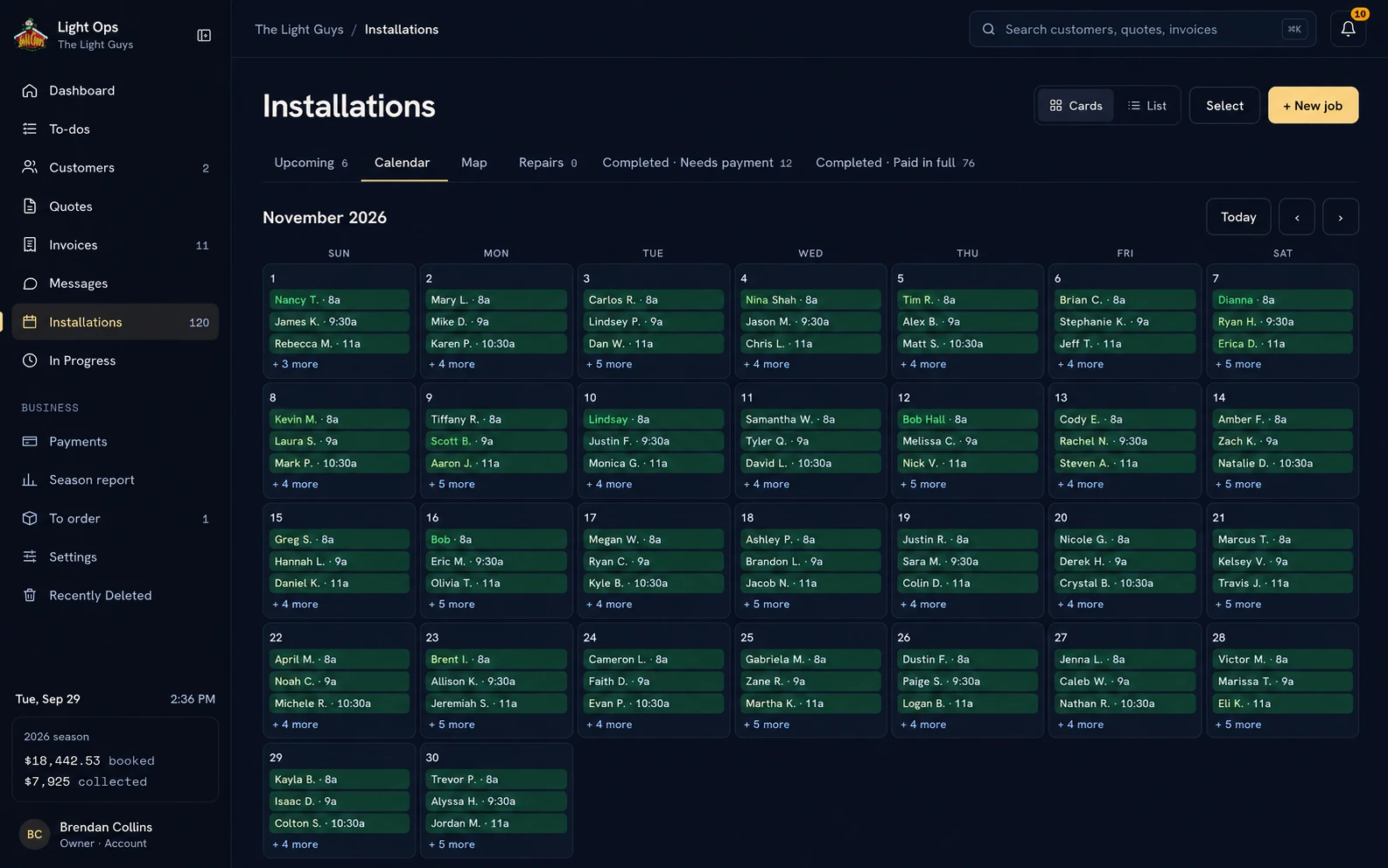
Customers, quotes, invoices, schedules, job information, photos, and payments sit within one operation. The dashboard brings the next actions into view.

A customer should not have to ask for every update.
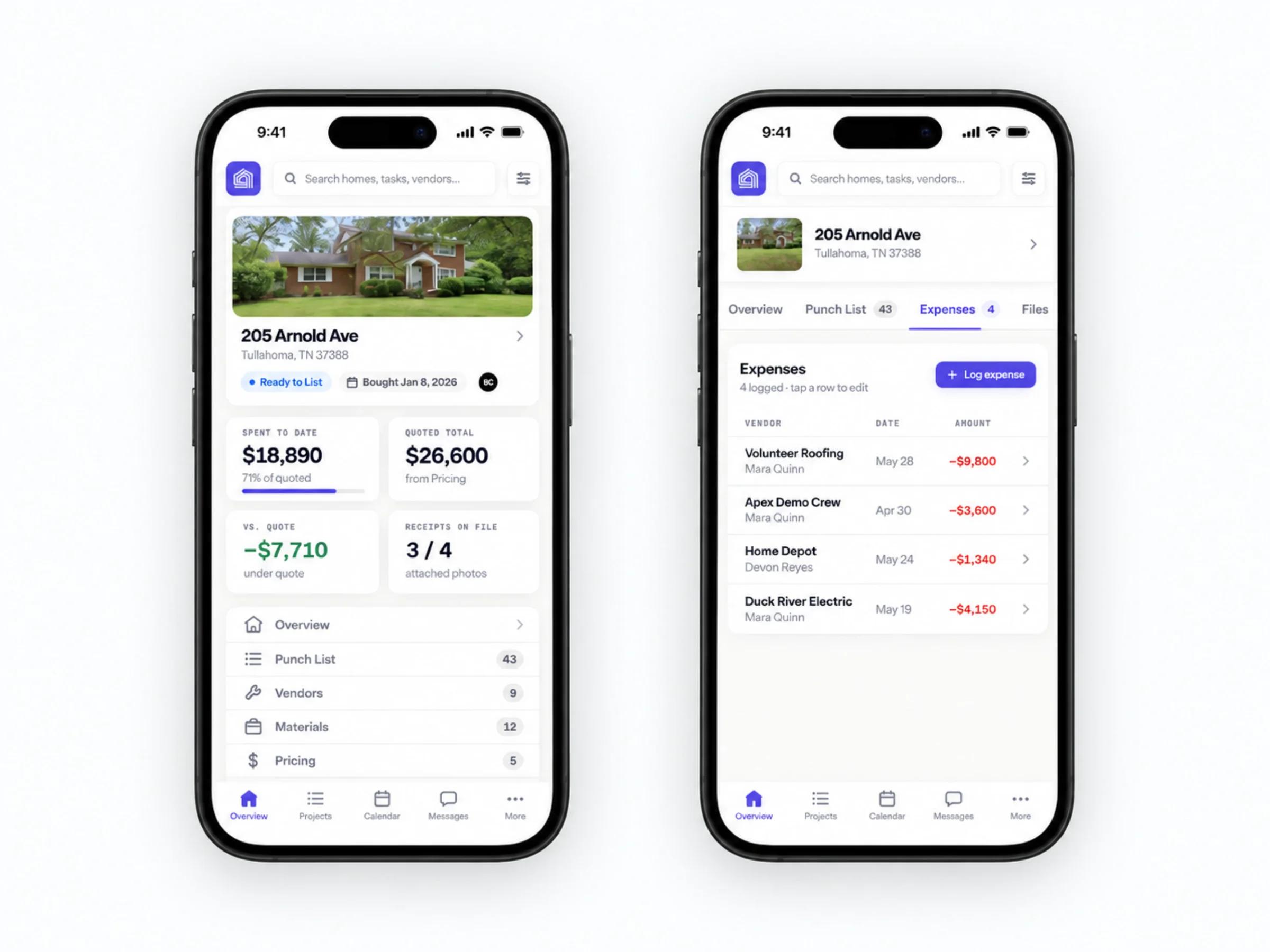
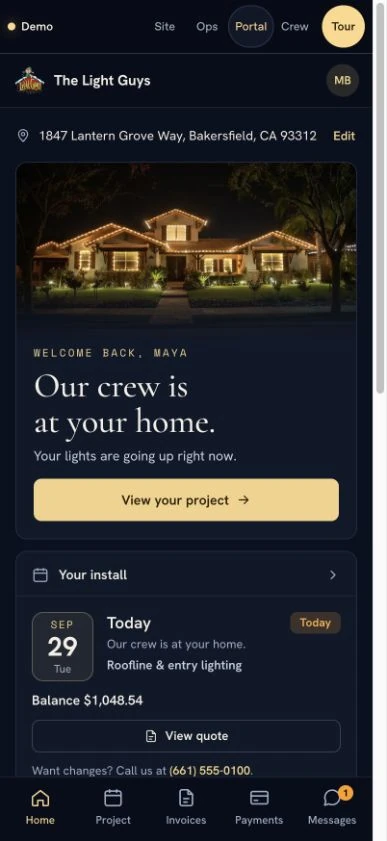
A personal portal gives customers a place for their project, installation details, documents, and communication. It carries the service experience beyond the first quote.


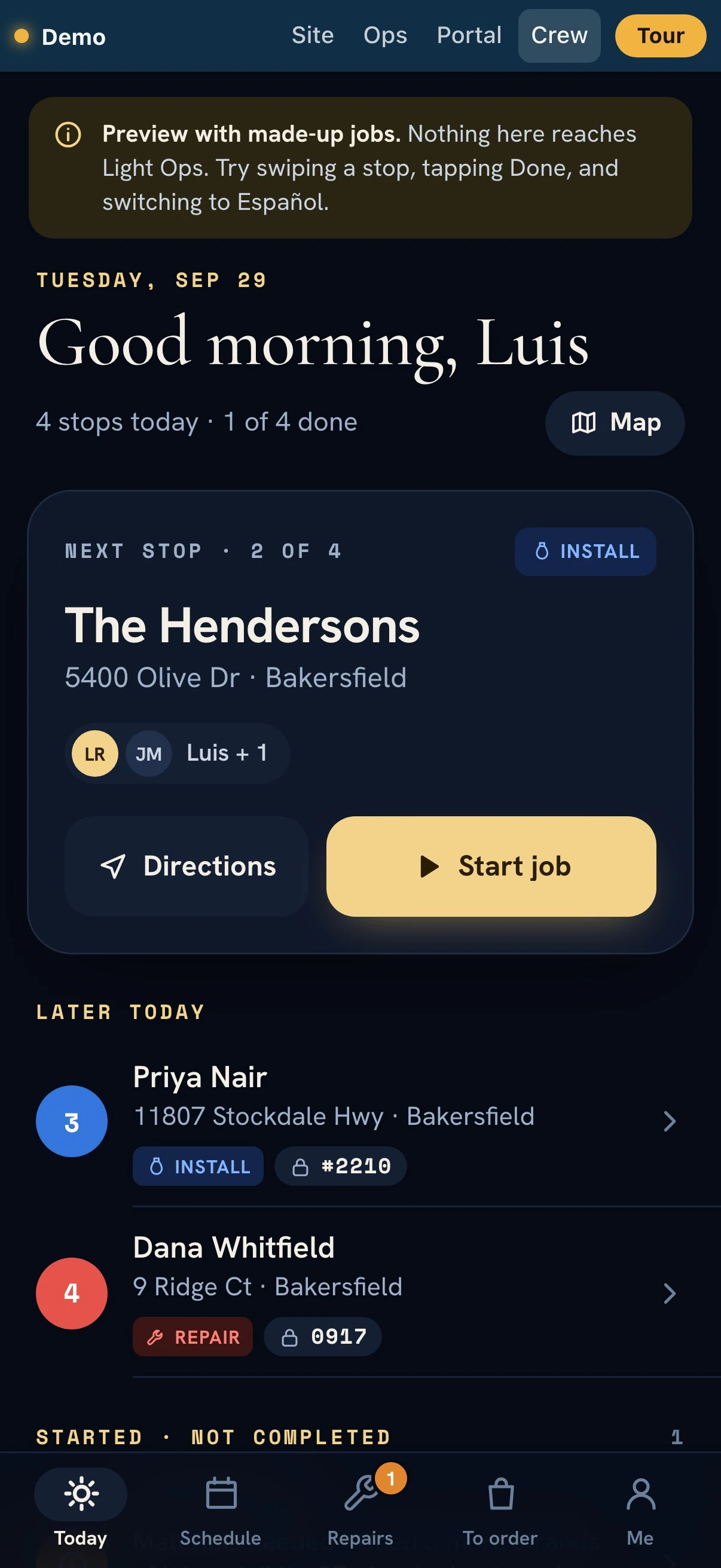
The next stop. The details to do it well.
The mobile crew experience puts assigned work, directions, job details, notes, photos, and materials within reach. Field work gets an interface of its own.

Built for the moment
the work happens.
Less digging through messages. More context at the job. The design brings the day’s work onto the screen the crew actually carries.
Try the crew demo Opens in a new tabDesigned through the handoffs
A quote becomes a job.
The context goes with it.
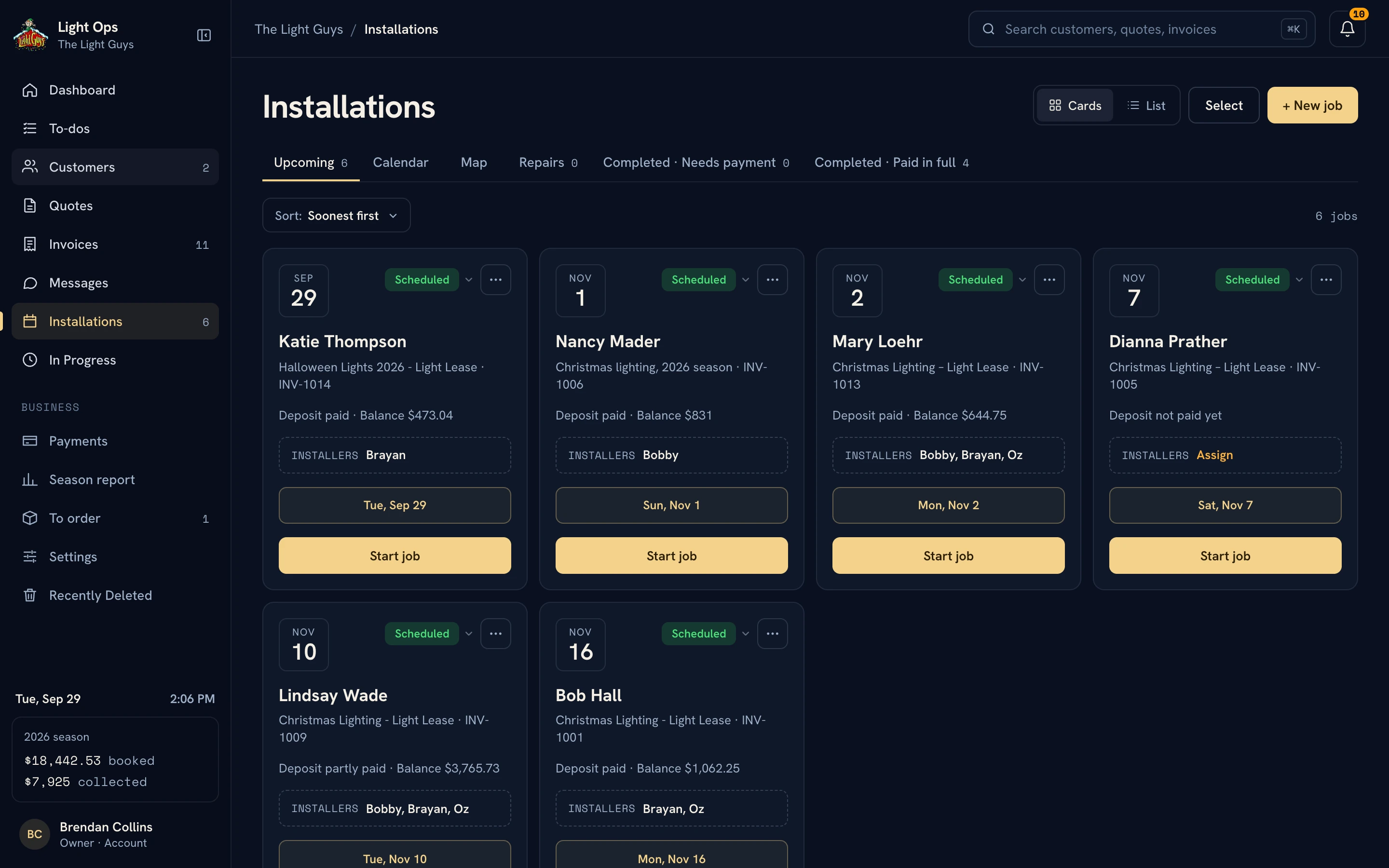
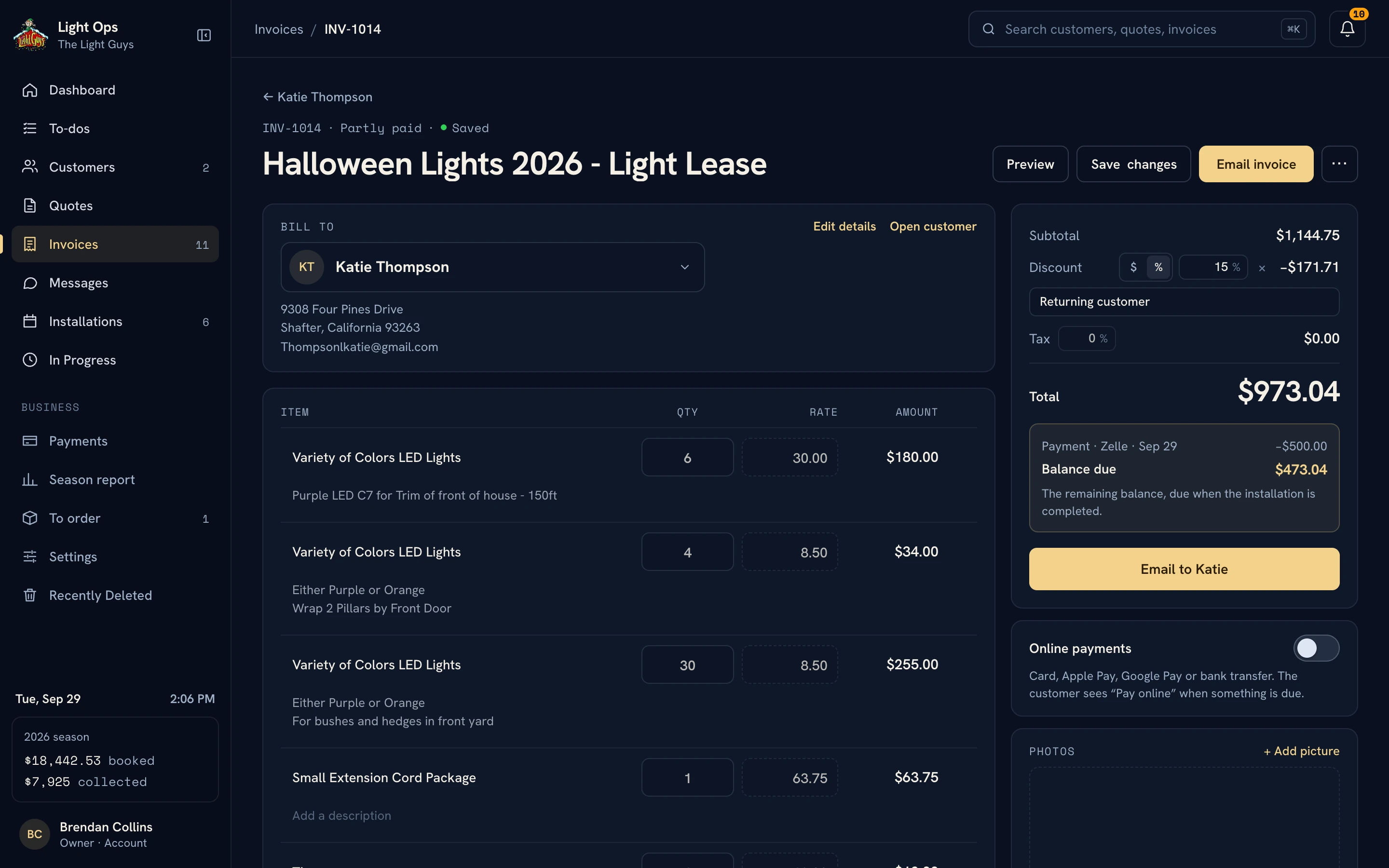
A beautiful dashboard is only useful if the work behind it holds together. We designed the details between screens: the quote, the invoice, the installation date, the crew’s job information, and the customer’s next step.
For our business, that includes a 50% deposit and an installation-completion balance. Those terms belong to the workflow, alongside the information needed to deliver the work.
From the office to the driveway
Software should make
the real work easier.
A crew member has different questions from the office. Where am I going? What are we installing? Which details matter at this house?
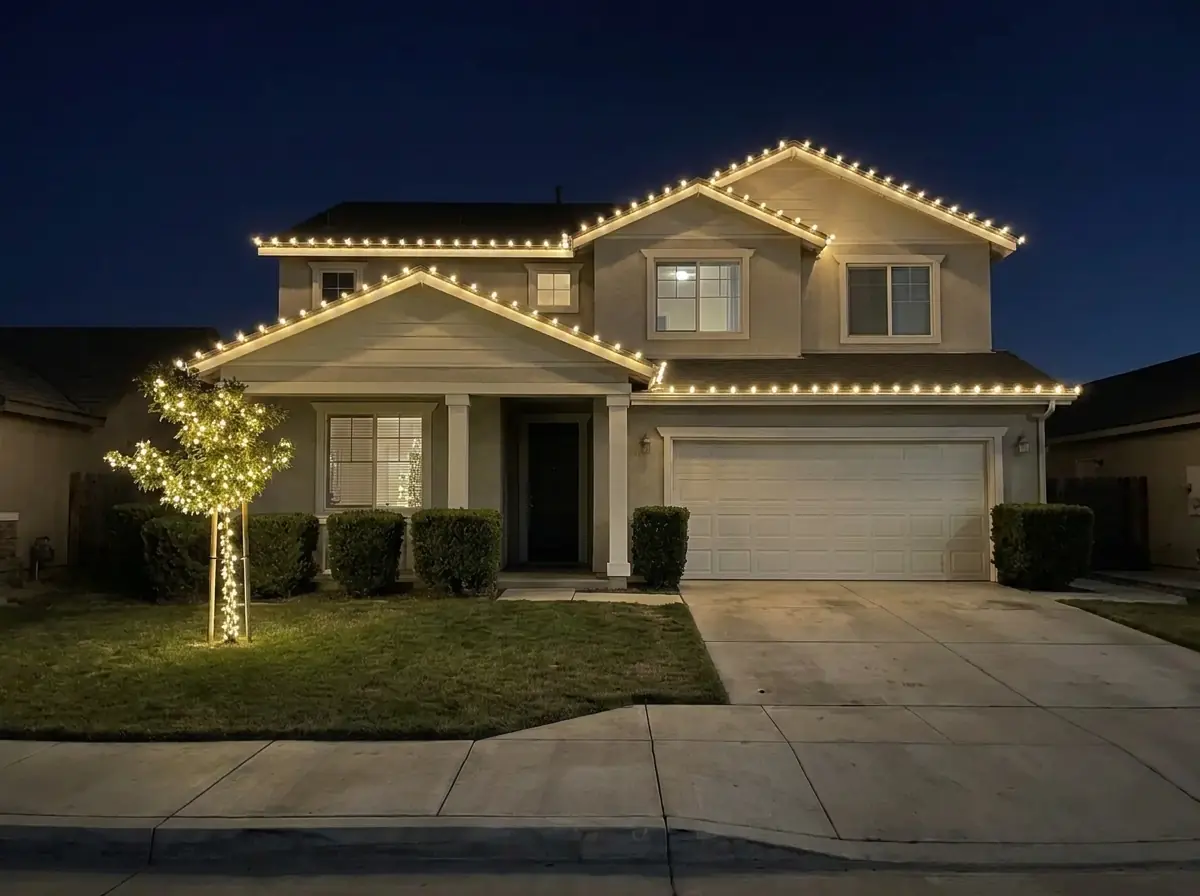
Light Ops carries the job into the field, with a mobile experience for the people doing the installation. Watch the crew walkthrough to see that point of view.
The experience starts before the office
A front door.
A connected follow-through.
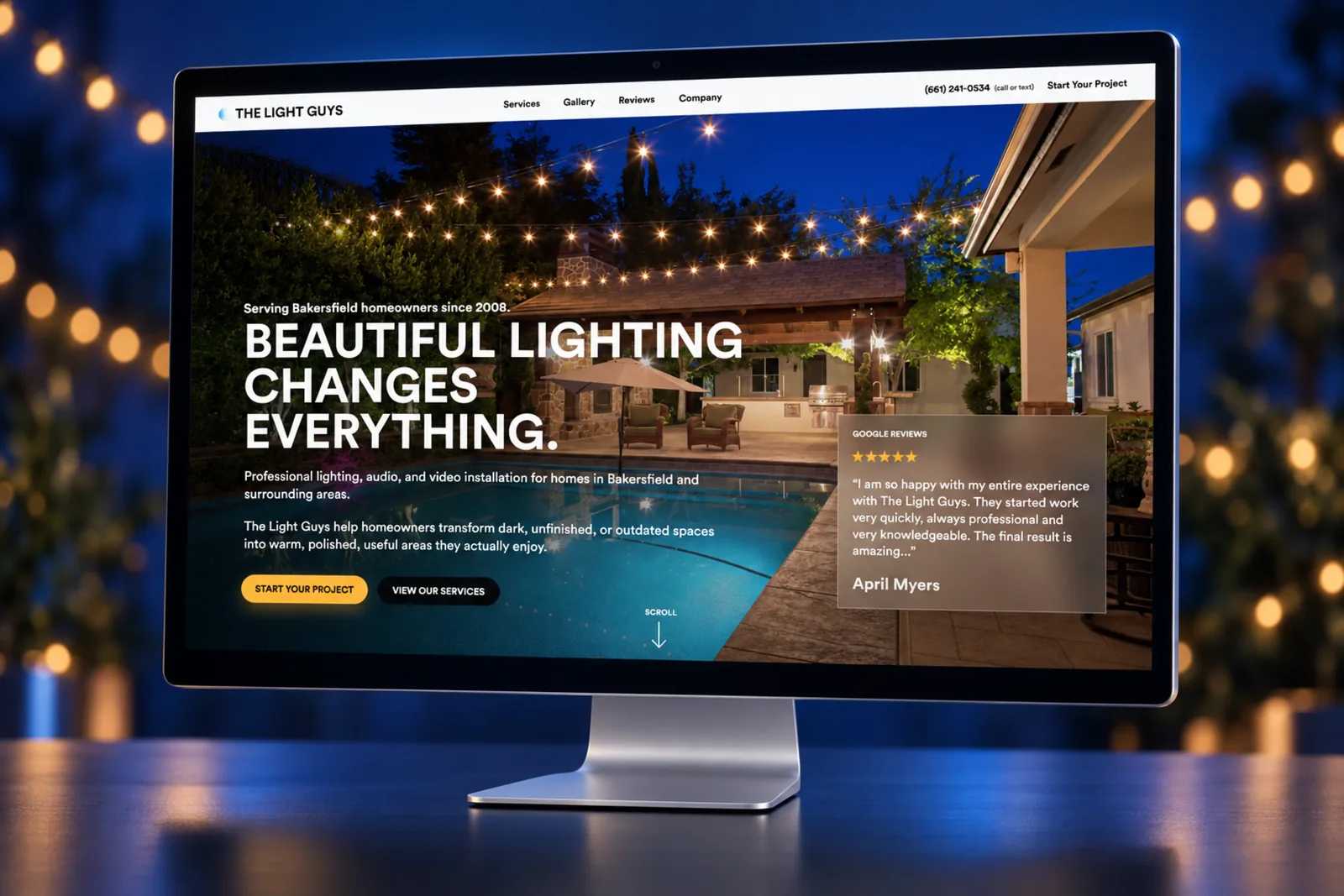
The public website introduces the service and starts the conversation. Light Ops gives the business a place to carry that interest through quoting, installation, customer support, and the next season.

The product, brought to life
From the first quote to the final payment. Take a look at the system in motion.
Visit the Light Ops website Opens in a new tab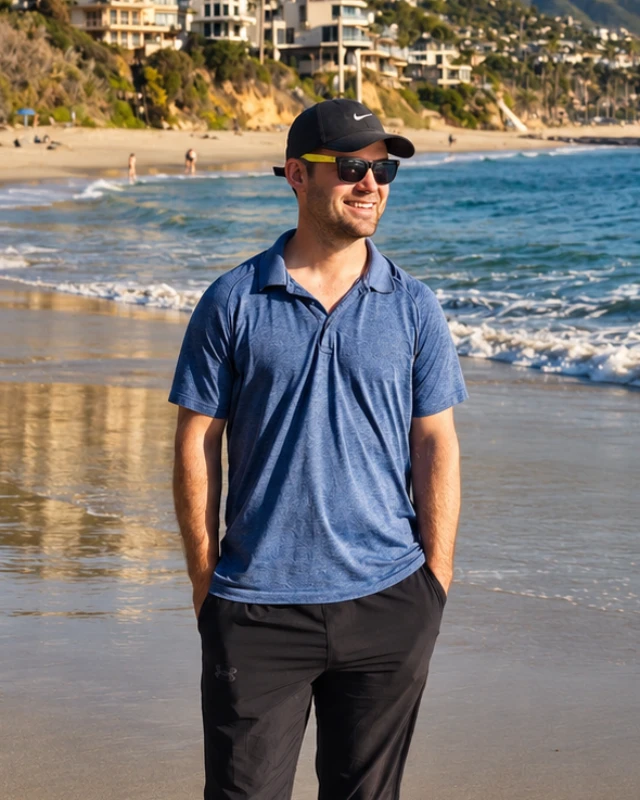
Built from inside the business
Brendan Collins
As the owner behind Collins Creative and The Light Guys, Brendan brought the daily reality of a Christmas lighting business into the software.
The work began with the disconnected tools we were using. That experience shaped the product strategy, interfaces, and workflow decisions behind Light Ops.
Meet the studioCustom software, built around your business
Your workflow could
be your next advantage.
Tell us where the work gets disconnected.
We’ll help you see what a better system could do.
More Collins Creative work